Common Resume Mistakes and How to Avoid Them
According to Zippia’s 2026 resume statistics roundup, 77% of hiring managers say typos or grammatical errors are a deal-breaker, and around a third reject resumes for lacking quantifiable results. These aren’t rare, one-off complaints — they’re the same handful of issues showing up on resume after resume.
This guide walks through the mistakes that cost candidates the most interviews, with a real example of the fix for each one — so you can check your own resume against the list before you hit “submit.”
Why Resume Mistakes Cost You More Than You'd Think
The same research found that even resumes with just a couple of small errors saw a 7.3 percentage point drop in interview odds. In other words, this isn’t about being an unlucky candidate who ran into a picky recruiter — it’s a measurable, repeatable penalty.
The good news: because these mistakes are so common, fixing yours puts you ahead of a large share of the applicant pool without needing to change your actual experience at all.
Mistake #1: Typos and Grammar Errors
The fix isn’t just rereading your own resume — most people miss their own typos because their brain automatically fills in what it expects to see. Read it backwards, sentence by sentence, or have someone else read it out loud to you.
Mistake #2: Sending the Same Generic Resume to Every Job
Tailoring doesn’t mean rewriting your whole resume for every application. It means adjusting your summary, skills list, and a few bullet points to mirror the language in the job posting.
Mistake #3: No Numbers or Measurable Achievements
This applies to the top of the resume too. If your summary is vague, it sets the tone for the rest of the document — our guide on writing a professional resume summary walks through the exact formula for adding measurable results to that section specifically.
Mistake #4: Unprofessional Contact Information
This is a five-minute fix that has no downside — there’s no reason to keep an outdated email address on a professional document.
Contact Info: What to Fix
| Element | Problem Example | Fixed Example |
|---|---|---|
| Email address | coolguy_1998@email.com | firstname.lastname@email.com |
| Phone voicemail | Default carrier greeting or joke recording | Simple, professional greeting with your name |
| Location | Full home address | City and state/country only |
| LinkedIn URL | linkedin.com/in/xy7z291kd | linkedin.com/in/firstname-lastname |
Mistake #5: Formatting That Breaks Applicant Tracking Systems
A single-column layout with standard section headings and simple bullet points is far more reliable than a graphic-heavy template, even if it looks less exciting.
ATS-Friendly vs. Risky Formatting
| Element | ATS-Friendly | Risky |
|---|---|---|
| Layout | Single column | Multiple columns or side panels |
| Section headings | Standard: “Experience,” “Skills” | Creative labels: “My Journey” |
| Contact info | Plain text at the top | Inside a text box or icon-based header |
| File format | As requested by the job posting (often .docx) | A heavily designed, image-based PDF |
* Always check the application instructions — if a specific file format is requested, use it.
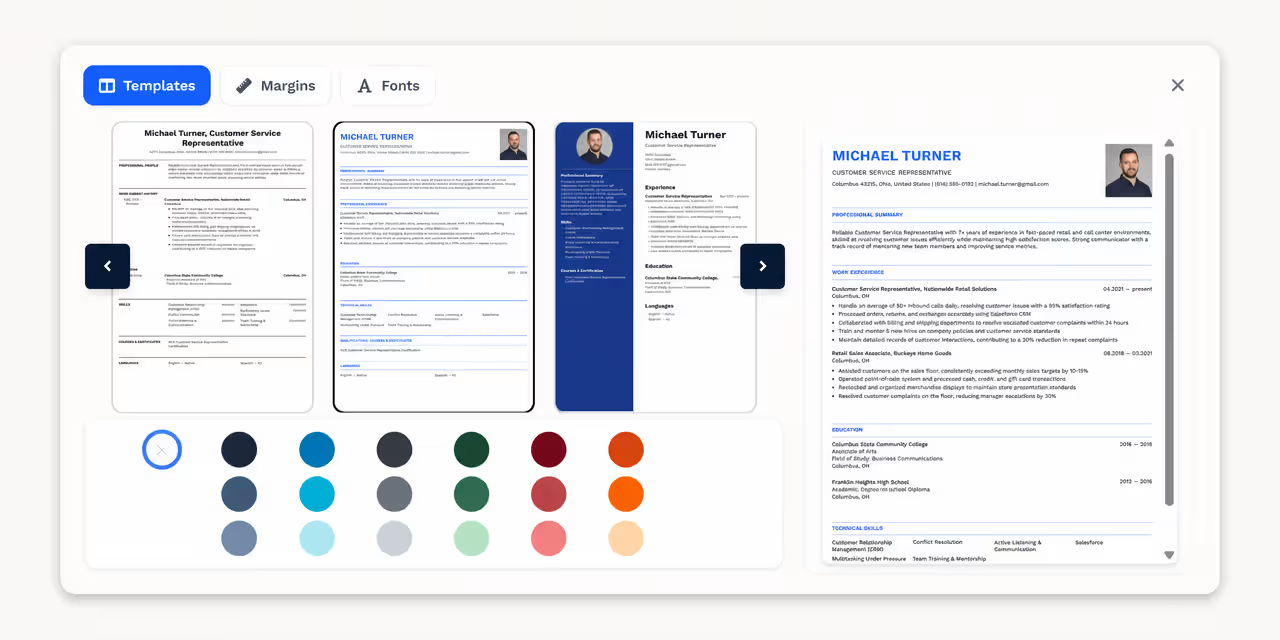
If you’re not sure your current layout is ATS-safe, our resume templates are built to stay clean and readable for both software and recruiters.
Browse resume templates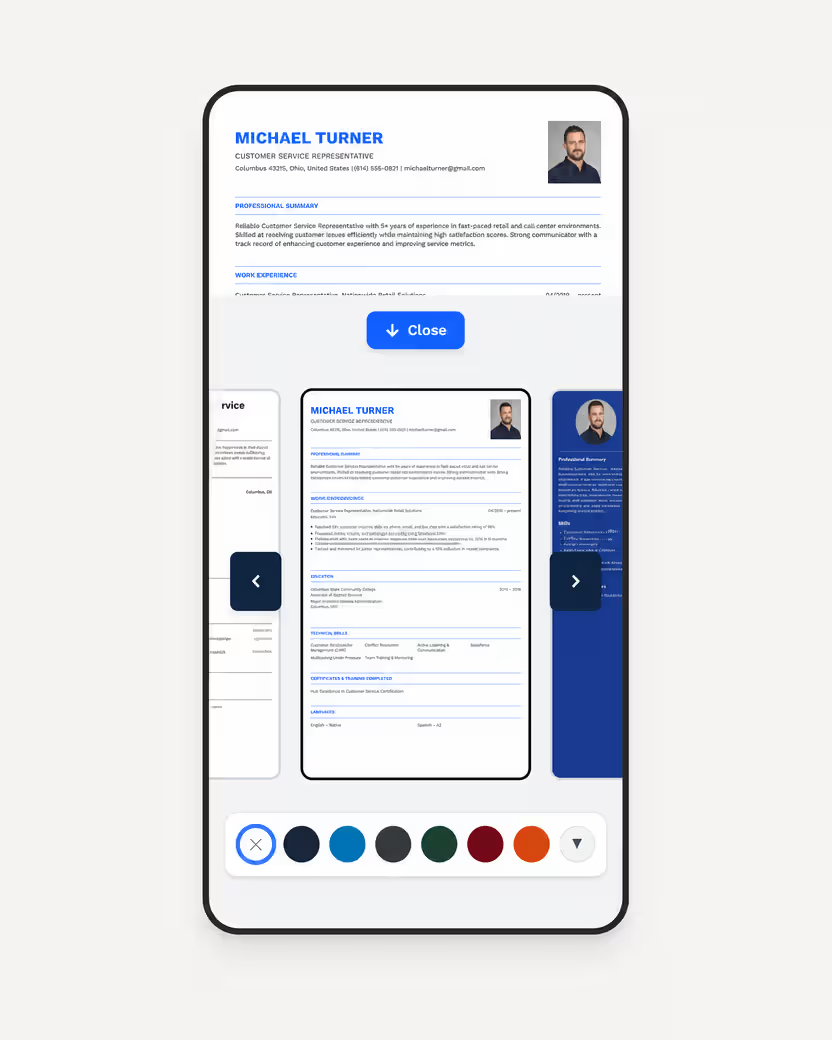
Mistake #6: The Wrong Resume Length for Your Experience
| Experience Level | Recommended Length |
|---|---|
| Entry-level / under 3 years | 1 page |
| Mid-career / 3–10 years | 1–2 pages |
| Senior / 10+ years, or academic and technical fields | 2 pages |
Mistake #7: Missing Keywords From the Job Posting
Read the job posting closely and mirror its specific terminology wherever it accurately describes your experience — this isn’t about stuffing keywords, just matching the employer’s own language.
Mistake #8: Including Outdated or Irrelevant Information
Cutting this content isn’t about hiding your history; it’s about keeping the reader’s attention on what’s actually relevant to the job you want next.
Quick Pre-Submit Checklist
| Check | Done? |
|---|---|
| No typos or grammar errors (read it backwards or aloud) | ☐ |
| Summary and skills tailored to this specific job posting | ☐ |
| At least 3–4 bullet points include a number or measurable result | ☐ |
| Professional email address and up-to-date phone number | ☐ |
| Single-column, ATS-friendly layout with standard section headings | ☐ |
| Length matches your experience level (1 page for most candidates) | ☐ |
| Key terms from the job posting appear naturally in the text | ☐ |
| Outdated or irrelevant sections removed | ☐ |
Fix These Mistakes, Then Build a Clean Resume
If you’d rather avoid formatting issues altogether, building your resume in a structured editor removes most of the ATS-related risks automatically.
Skip the formatting guesswork — our resume builder keeps your layout ATS-friendly while you focus on the content.
Build your resume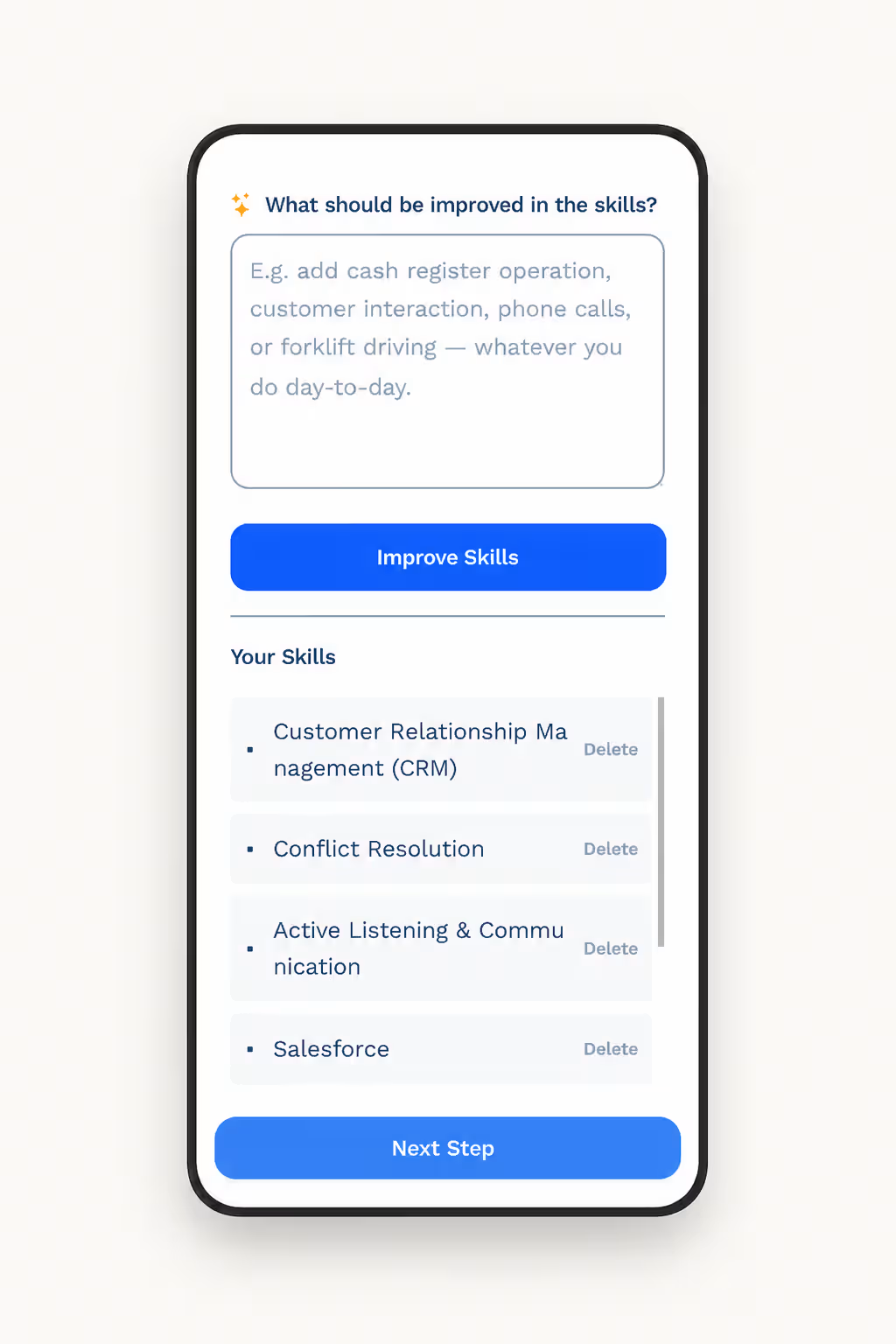
Sources
Frequently Asked Questions
Typos and grammar errors are the most frequently cited resume mistake among hiring managers, with the majority saying they would reject a resume on the spot after spotting one.
Yes. Recruiters increasingly favor resumes tailored to the specific job posting over a generic, one-size-fits-all version, even if the underlying experience is the same.
Not necessarily more, but differently — entry-level candidates often have fewer achievements to fall back on, so formatting, tailoring, and proofreading mistakes stand out more against a shorter resume.
It can be an unnecessary risk. Since contact information is often the first thing read, an unprofessional email address can color a recruiter's first impression before they reach your experience section.
There's no fixed number, but even one or two errors have been shown to measurably lower interview odds, so it's worth addressing every item you find rather than deciding some are minor enough to skip.
If a role is over 10–15 years old and unrelated to your target job, it's usually fine to summarize it briefly or leave it off entirely, especially if you're trying to keep a one-page resume for a less senior position.
Yes. Multi-column layouts, text boxes, and heavy graphics can cause applicant tracking systems to misread or skip sections of your resume, which is why a simpler layout is generally safer.
For most candidates with some work experience, yes — a summary gives recruiters an immediate answer to what you offer. See our guide on writing a professional resume summary for the exact structure to use.