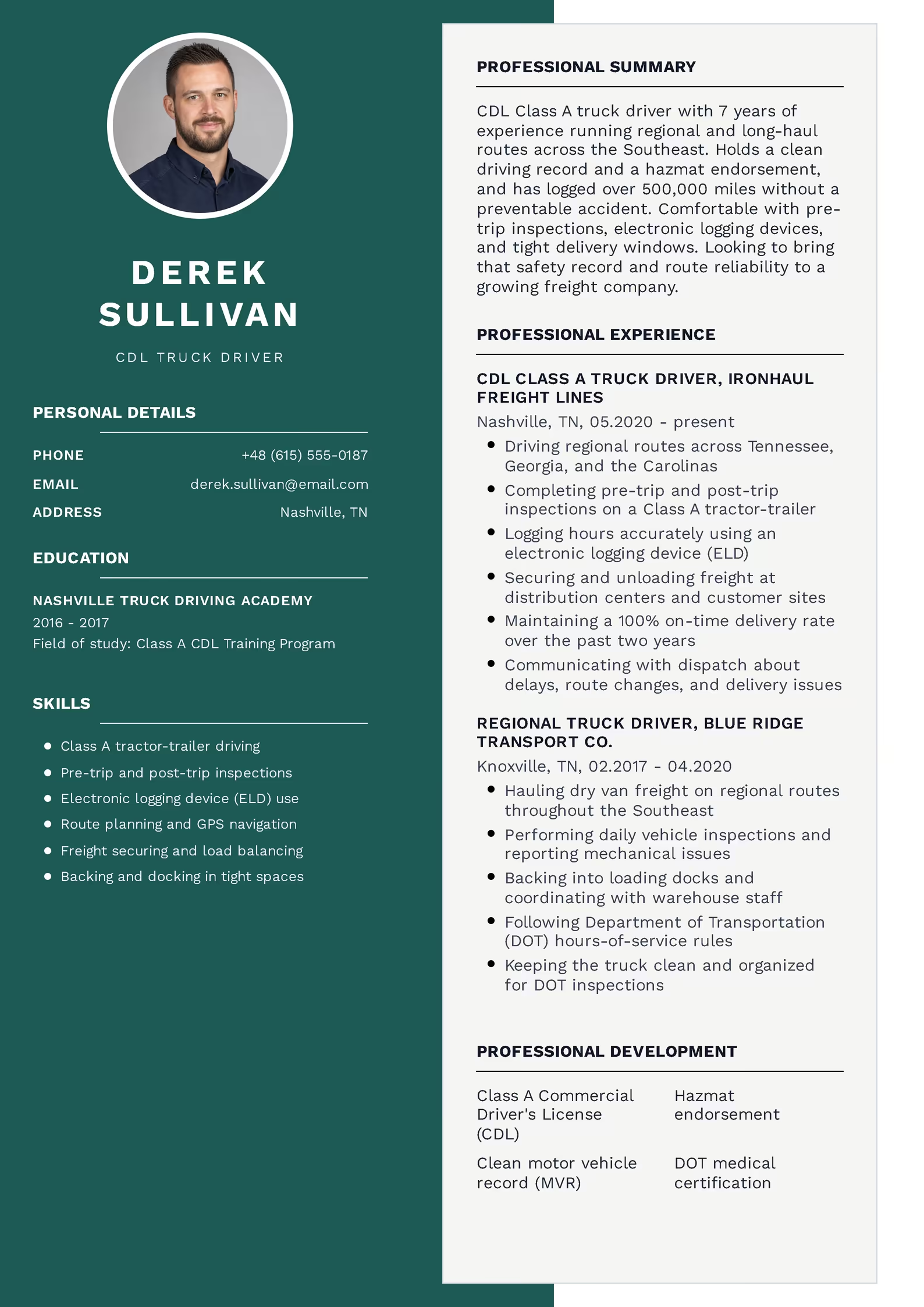
How to Write a Professional Resume Summary (With 20 Examples)
Recruiters don’t read resumes top to bottom the way you might expect. According to a 2018 eye-tracking study by TheLadders covered by HR Dive, recruiters spend an average of just 7.4 seconds on the initial scan of a resume. A strong resume summary is your best shot at using those seconds well.
In this guide, you’ll learn the exact formula for writing one, see 20 real resume summary examples across different jobs and experience levels, and find out which common mistakes quietly cost candidates interviews.
What Is a Resume Summary (and How Is It Different From an Objective)?
Most hiring managers today prefer a summary, because it front-loads value instead of a wish list. The exception is candidates with little or no work experience, where a short objective (or a hybrid “summary of qualifications”) can still work well.
Resume Summary vs. Resume Objective
| Resume Summary | Resume Objective | |
|---|---|---|
| Focus | What you offer the employer | What you want from the job |
| Best for | Candidates with 1+ years of experience | Students, career changers, first job |
| Length | 2–4 sentences | 1–2 sentences |
| Includes numbers? | Yes, whenever possible | Rarely |
* If you have zero relevant experience, see the “entry-level” example later in this article — it blends both formats.
Why a Strong Resume Summary Section Increases Your Interview Chances
With that volume, a resume without a summary forces the recruiter to piece your story together from scattered bullet points. A resume with a clear, tailored summary does that work for them, in the first 3 lines they’ll actually read.
This is also the section applicant tracking systems (ATS) weigh heavily, since it typically contains a dense cluster of your job title and top skills — exactly the keywords the system is scanning for.
The Resume Summary Formula: 4 Elements to Include
Use this structure as your starting point, then adjust the tone to match your industry (more formal for finance or law, more direct for trades and operations roles).
Where the Resume Summary Goes on the Page
If you’re not sure how this looks in practice, here’s where it fits inside a complete resume layout.
Resume example — Customer Service Representative
Jamie Carter
+1 555 214 7789
jamie.carter@email.com
Austin, TX
Customer service representative with 5 years of experience in retail and call center environments. Skilled in conflict resolution, CRM software, and upselling. Maintained a 96% customer satisfaction rating while handling 60+ calls daily.
06.2021–Present BrightPath Retail Group
Position: Senior Customer Service Representative
2015–2019 University of Texas
Major: Business Administration
Not sure how to format this on your own document? Our online resume builder places your summary in the right spot automatically.
Build your resume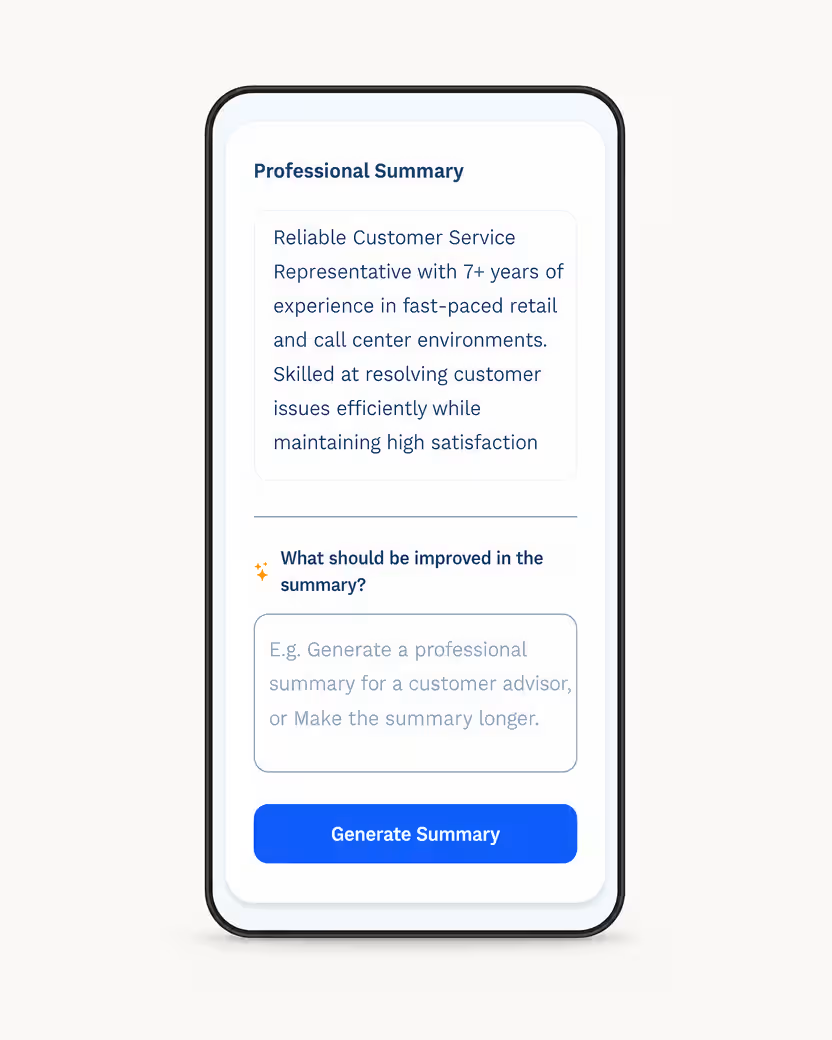
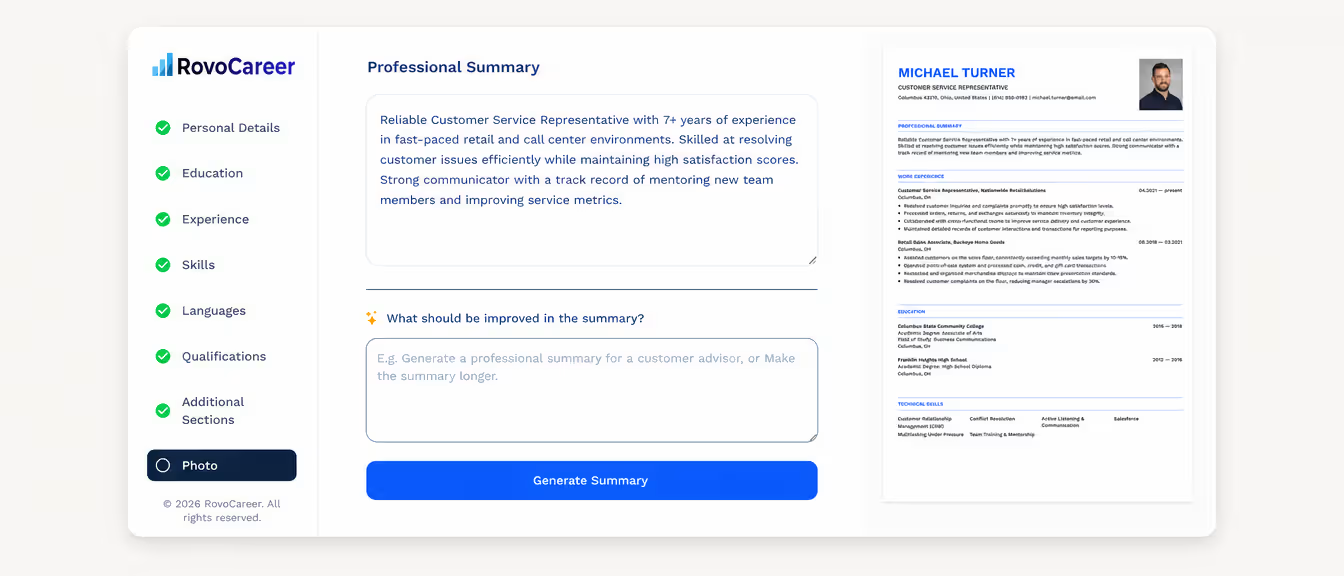
Good vs. Bad Resume Summary Examples
Compare these two versions written for the same candidate.
10 Resume Summary Examples for Common Office and Service Jobs
10 More Resume Summary Examples by Job and Experience Level
Common Resume Summary Mistakes to Avoid
Mistakes That Weaken a Resume Summary
| Mistake | Why It Hurts You | Fix |
|---|---|---|
| Using generic adjectives (“hardworking,” “team player”) | Every candidate claims these; recruiters skip past them | Replace with a specific skill or result instead |
| Writing in the third person | Reads as awkward and outdated for most industries | Drop the pronoun entirely (no “I” or “he/she”) |
| No numbers at all | Makes achievements sound like unverified opinions | Add at least one metric: %, $, time saved, or volume |
| Copy-pasting the same summary for every job | ATS and recruiters both notice mismatched keywords | Adjust the skills line to match each job posting |
| Making it too long (5+ sentences) | Defeats the purpose of a quick, scannable intro | Keep it to 2–4 tight sentences |
Resume Summary FAQ, Recap, and Next Steps
If writing and formatting from scratch feels like a hurdle, you don’t have to do it manually. Our resume builder walks you through each section — including the summary — with prompts and pre-written suggestions based on your job title.
Ready to put your new summary to work? Create your resume online in minutes, with formatting handled for you.
Create your resume online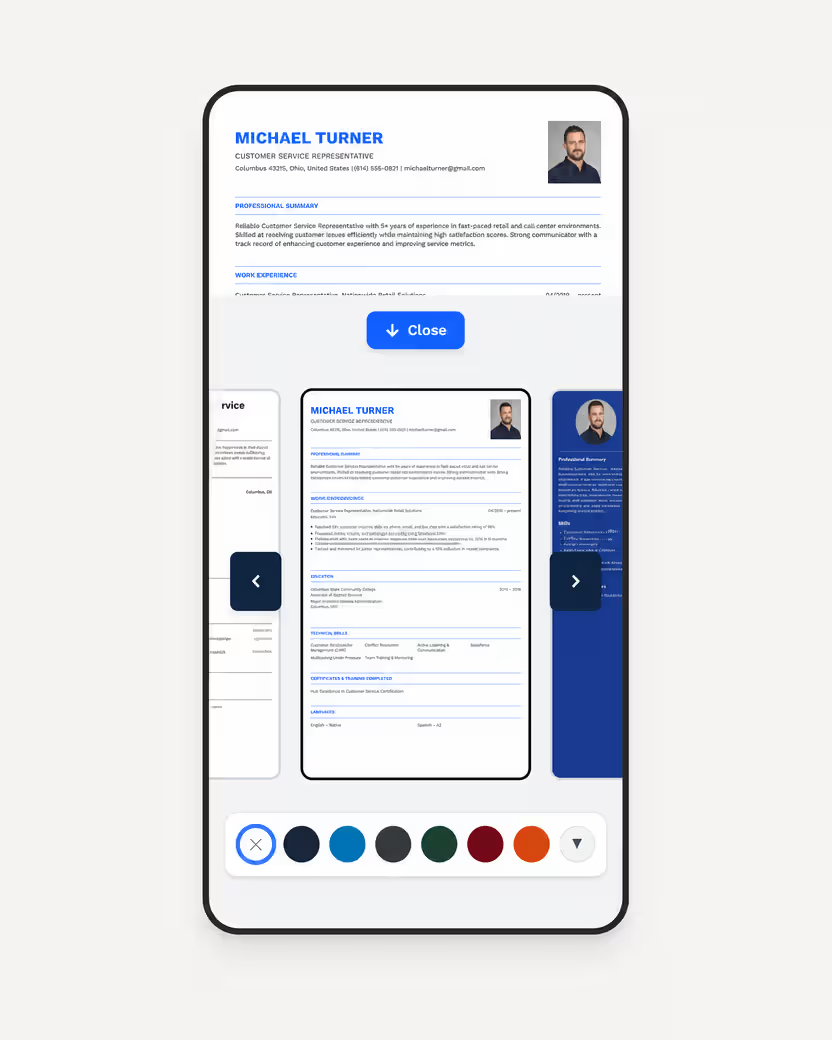
Sources
Frequently Asked Questions
A resume summary should be 2–4 sentences, roughly 30–50 words. Anything longer starts to compete with your work experience section for the recruiter’s attention.
No. Resume summaries are written without pronouns — drop “I,” “me,” and “my” and start each sentence directly with your job title or a skill.
Yes, but adapt it. Focus on internships, coursework, volunteer work, and transferable skills instead of job titles, and keep the tone forward-looking rather than results-heavy.
A resume headline is a single short line (like a job title), while a resume summary is a full 2–4 sentence paragraph. Some resumes use both — a headline followed by the summary.
It's not recommended. Adjust at least the skills and keywords in your summary to match each job posting — this helps both with applicant tracking systems and with showing genuine interest in the specific role.
Directly below your name and contact information, and above your skills or work experience sections. It should be one of the first things a recruiter reads.
No. A resume summary is a compressed, keyword-dense paragraph on the resume itself, while a cover letter introduction is more conversational and specific to one company.
One solid, specific number is usually enough — for example a percentage, dollar amount, or volume figure. Overloading the summary with statistics can make it harder to read quickly.