
Yes, the resume builder at RovoCareer.com offers completely free resume creation – you can choose a template, fill it in, edit all sections, and use all builder tools with no charge. If you want to download your finished resume as a PDF or DOCX, paid subscriptions are available that unlock document export, additional premium templates, and advanced customization options. Creating and editing your resume itself always stays free.
All Resume Templates
Browse modern and professional resume templates designed for clarity, aesthetics, and effectiveness in recruitment. Choose the style that best fits your industry.
PREMIUM
+2
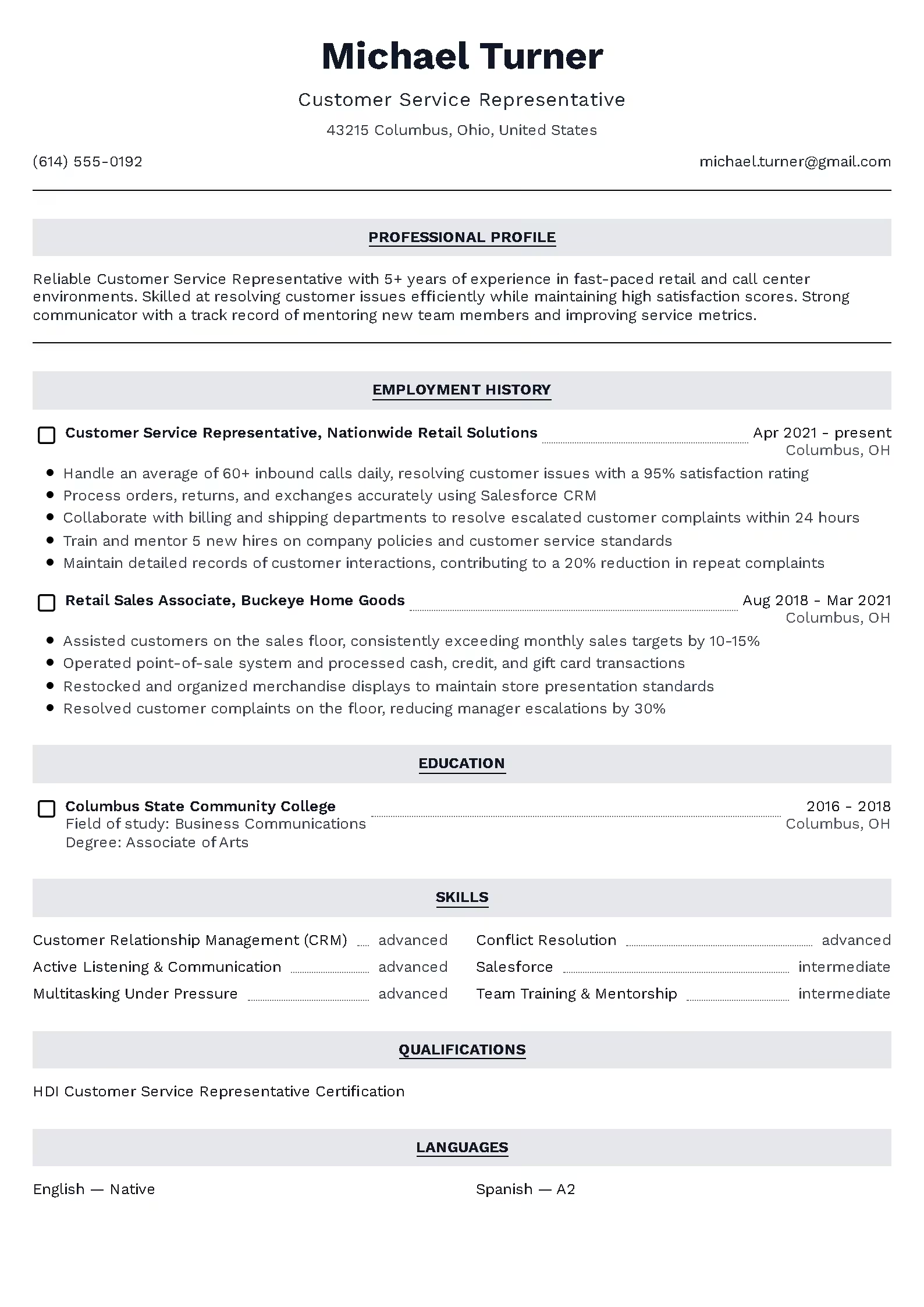
Classic
PREMIUM
+2
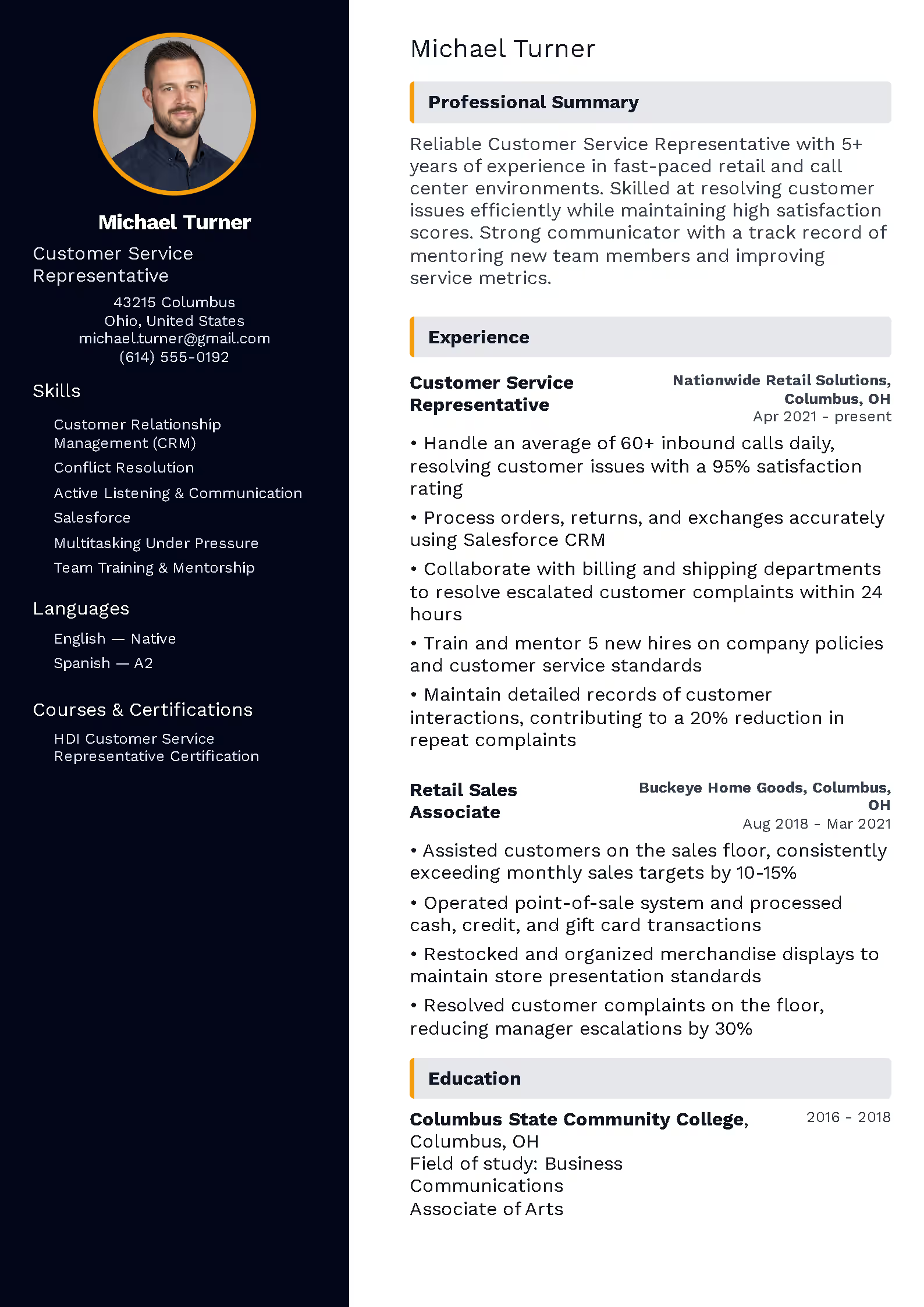
Modern
PREMIUM
+2
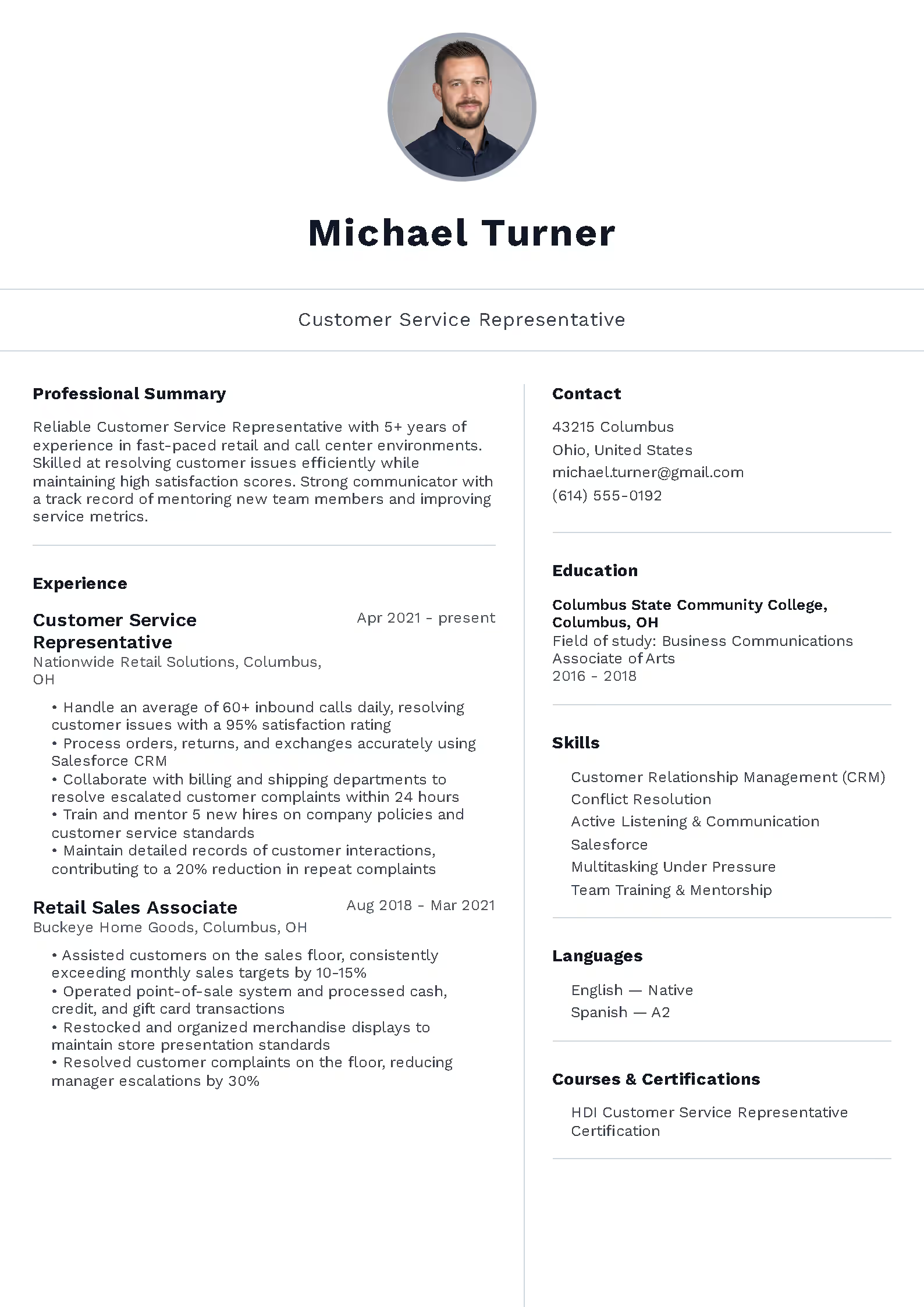
Minimalist
PREMIUM
+2
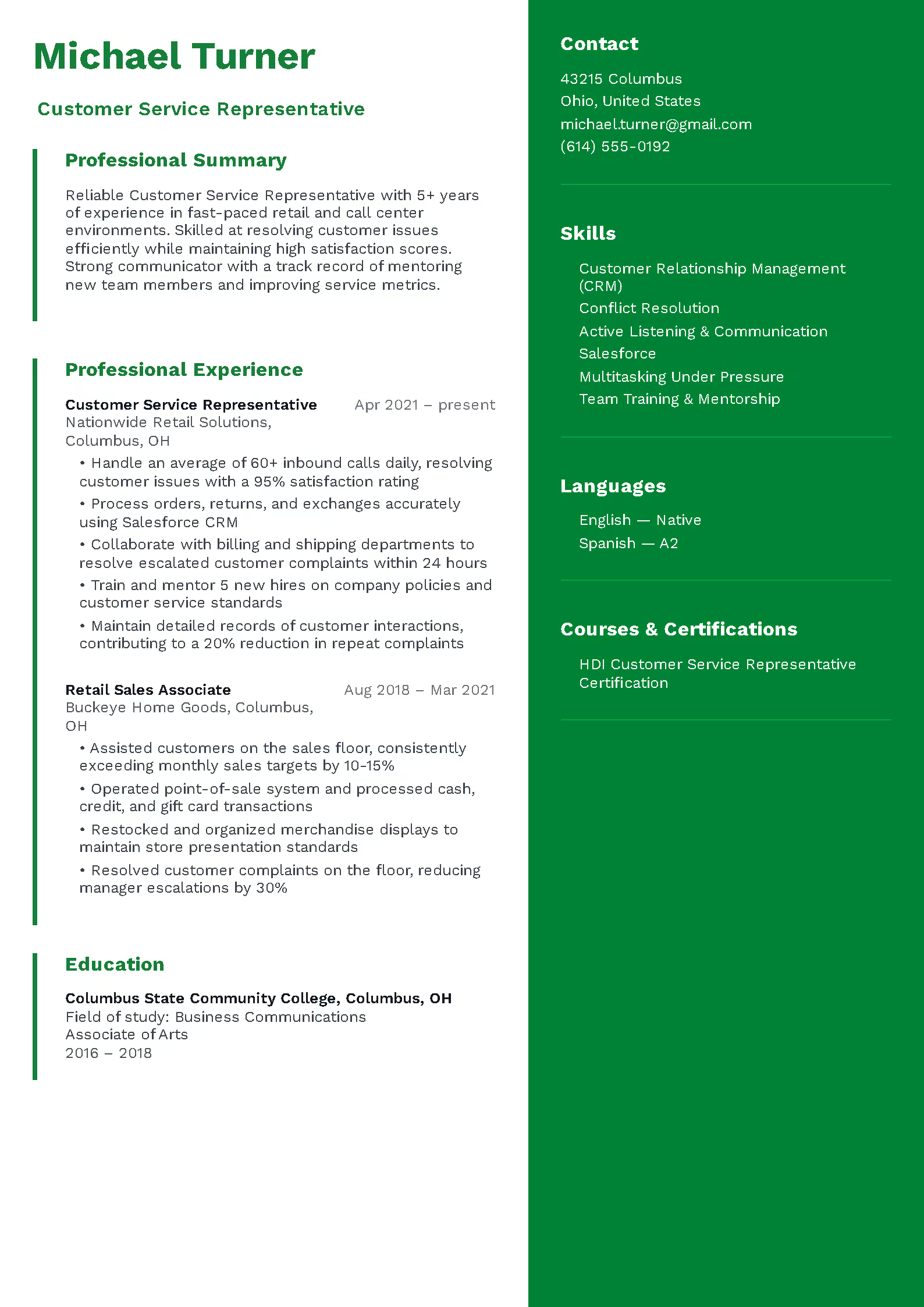
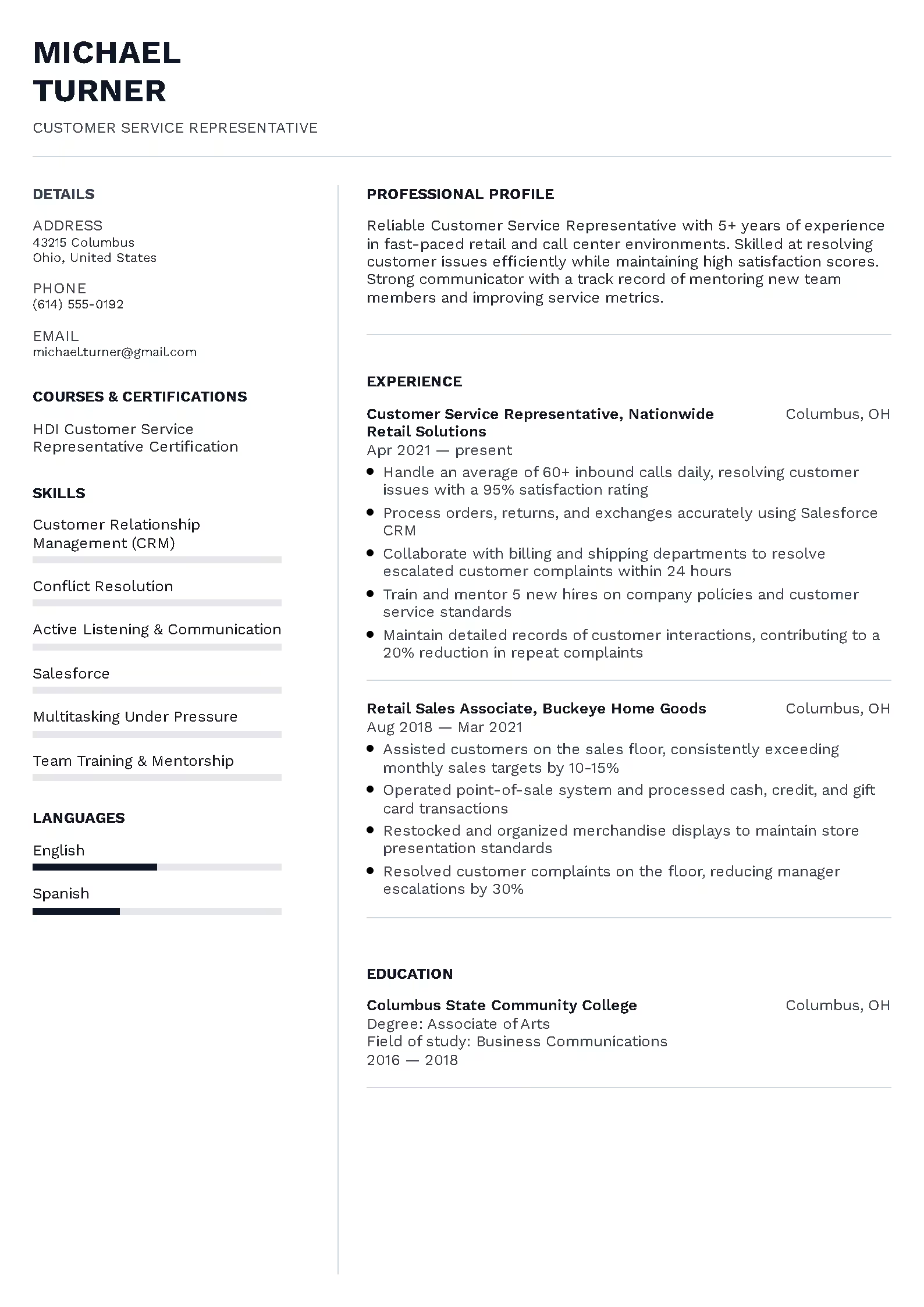
Professional
PREMIUM
+2
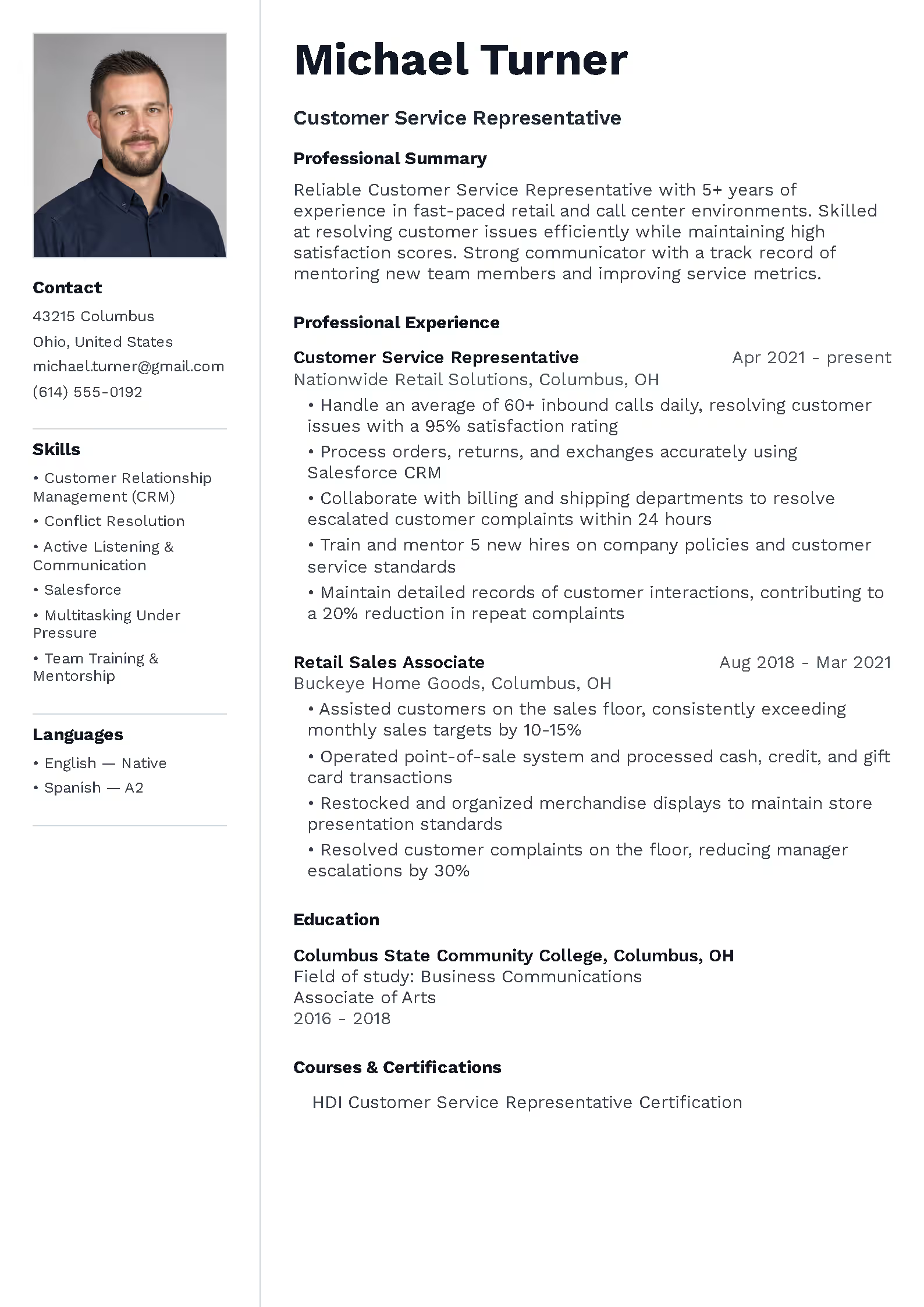
Dynamic
PREMIUM
+2
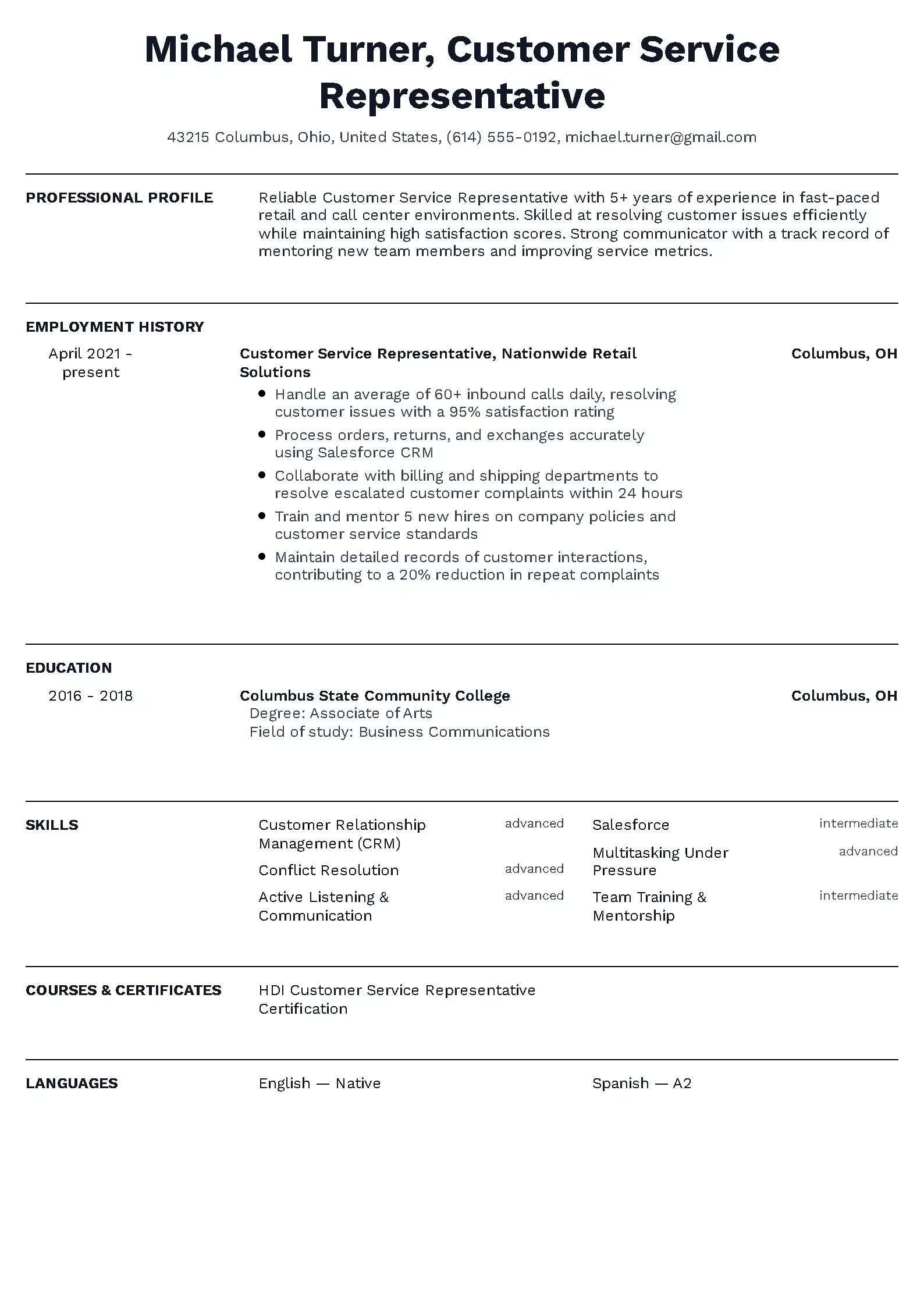
Elegant
PREMIUM
+2
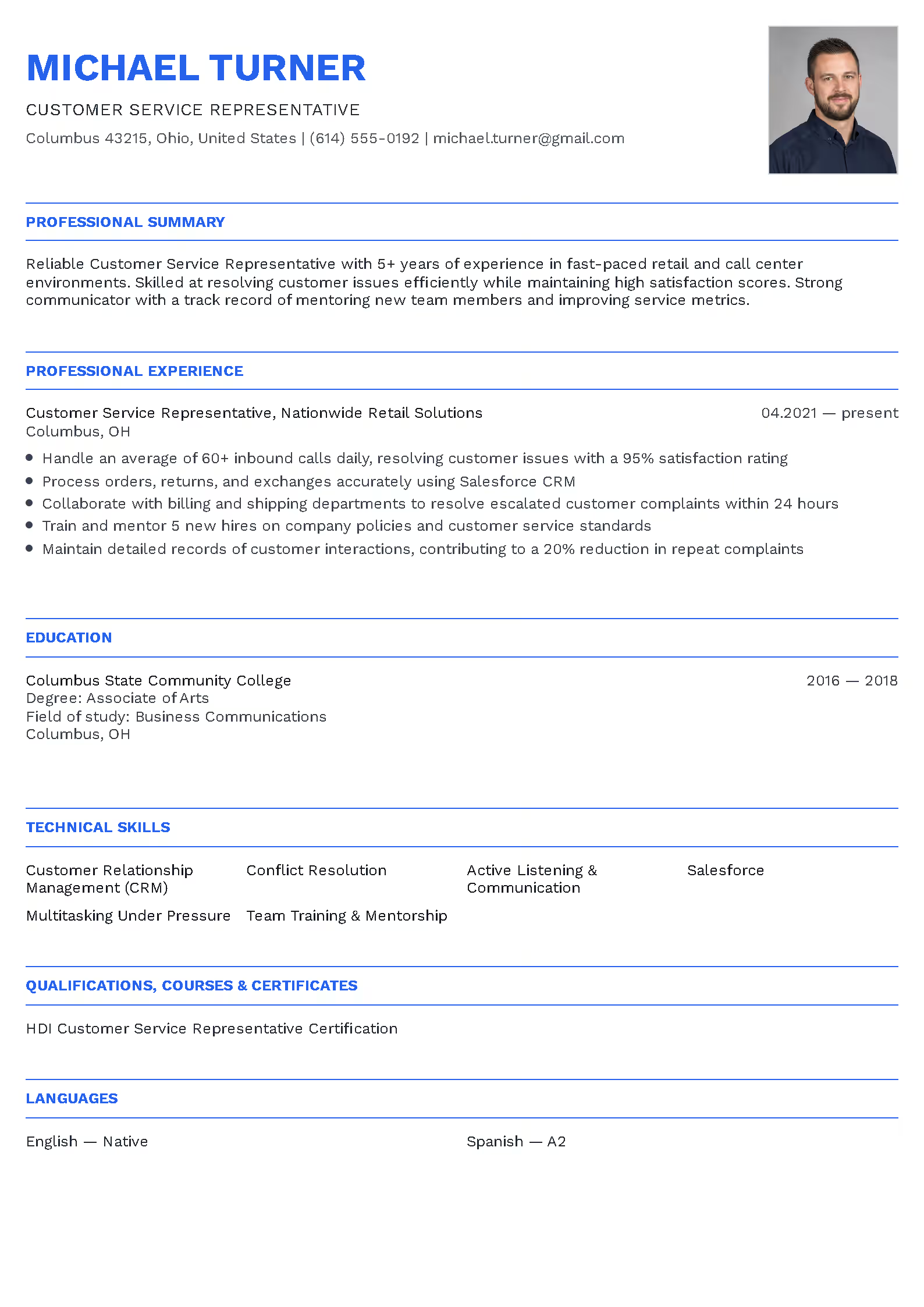
Clear
PREMIUM
+2
Formal
PREMIUM
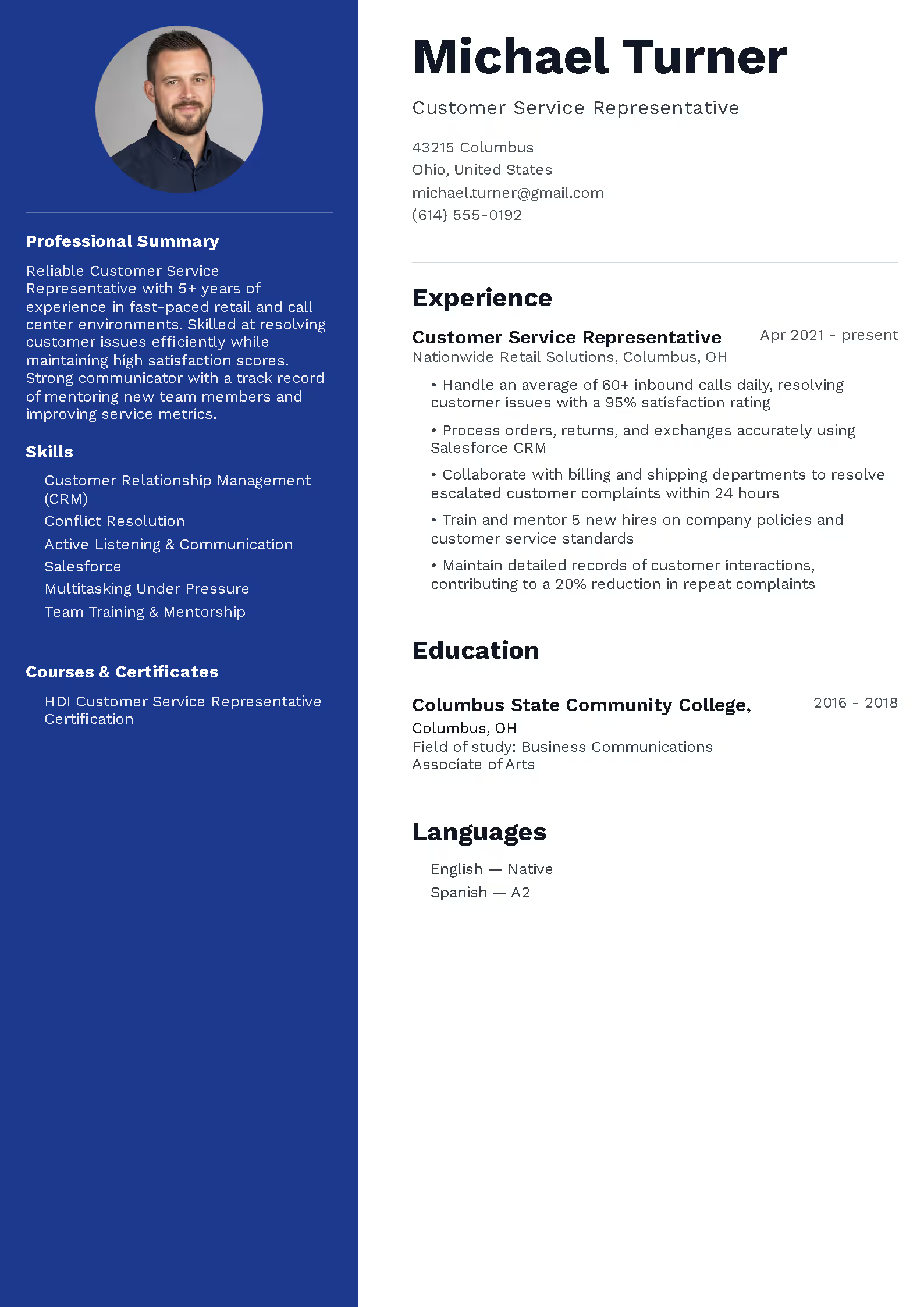
+2
Universal
PREMIUM
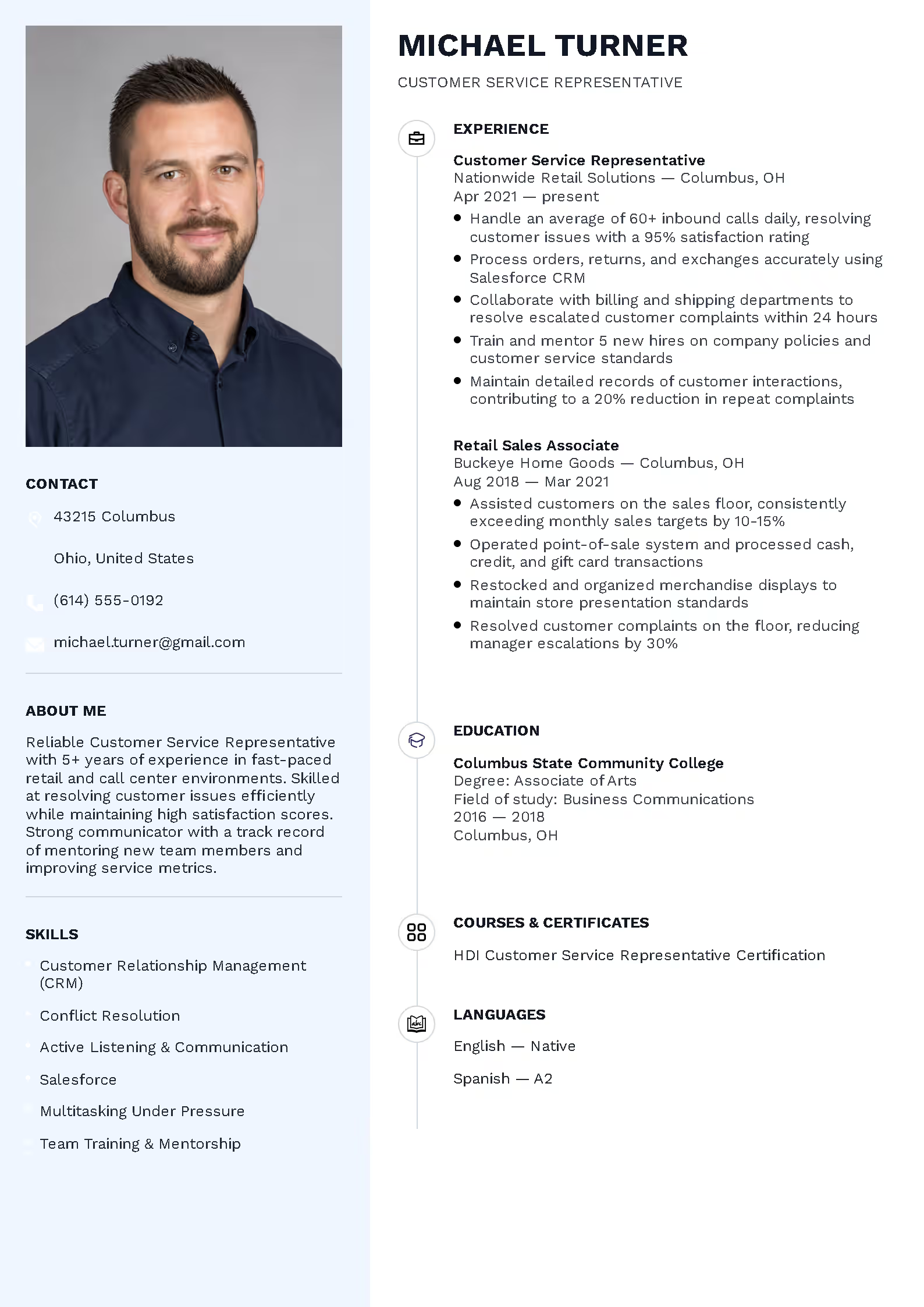
+2
Creative
PREMIUM
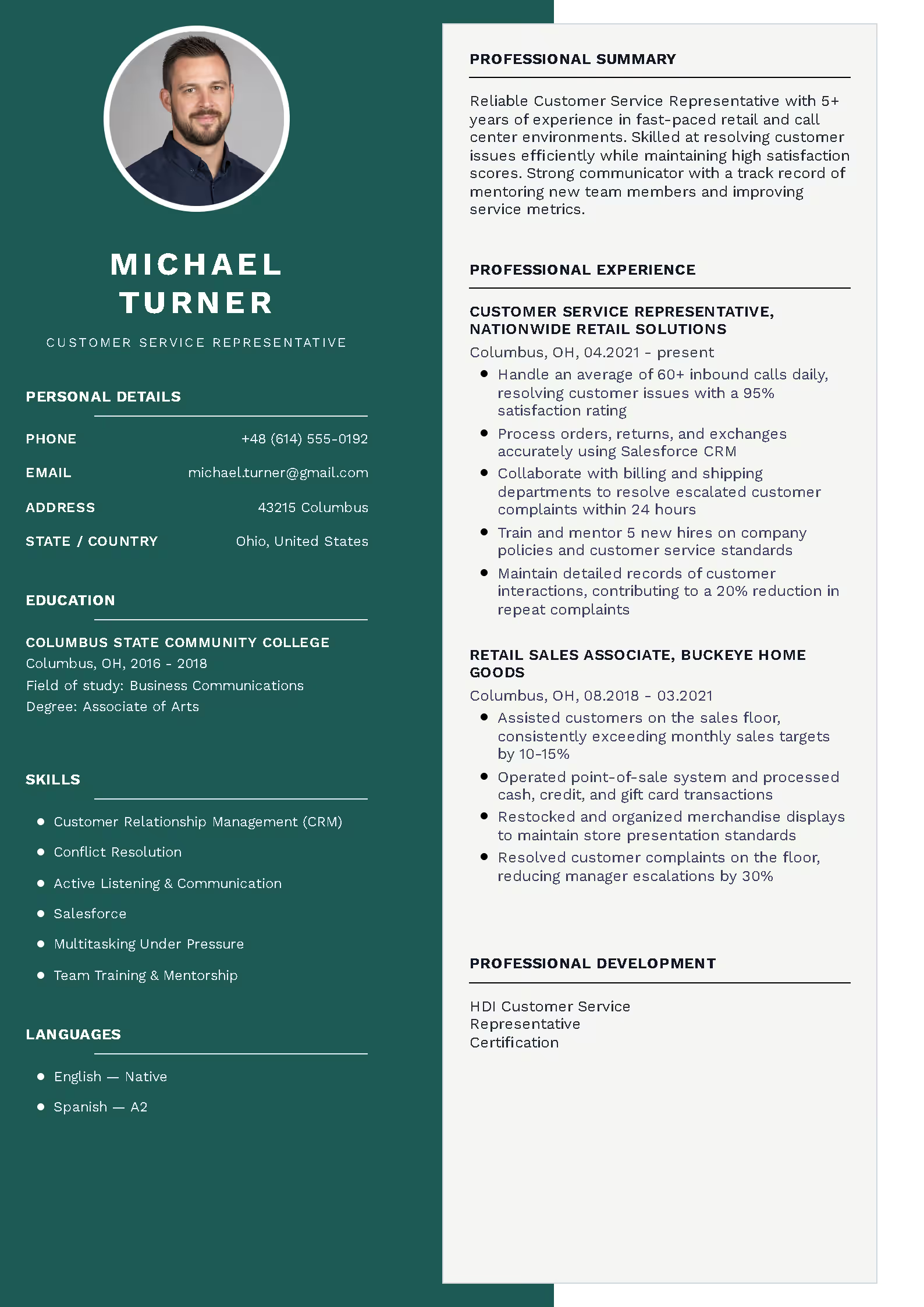
+2
Balanced
PREMIUM
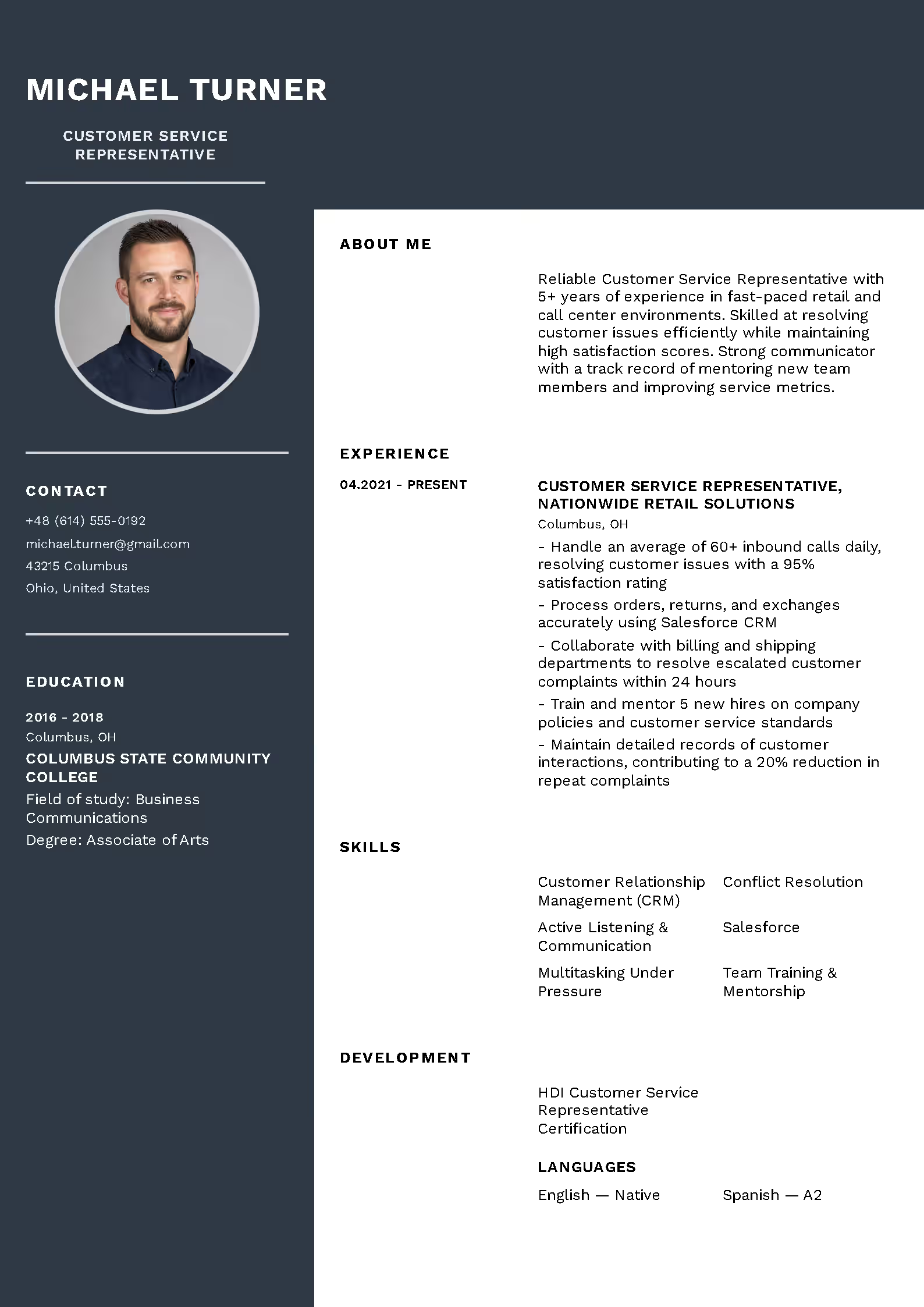
+2
Pleasant
PREMIUM
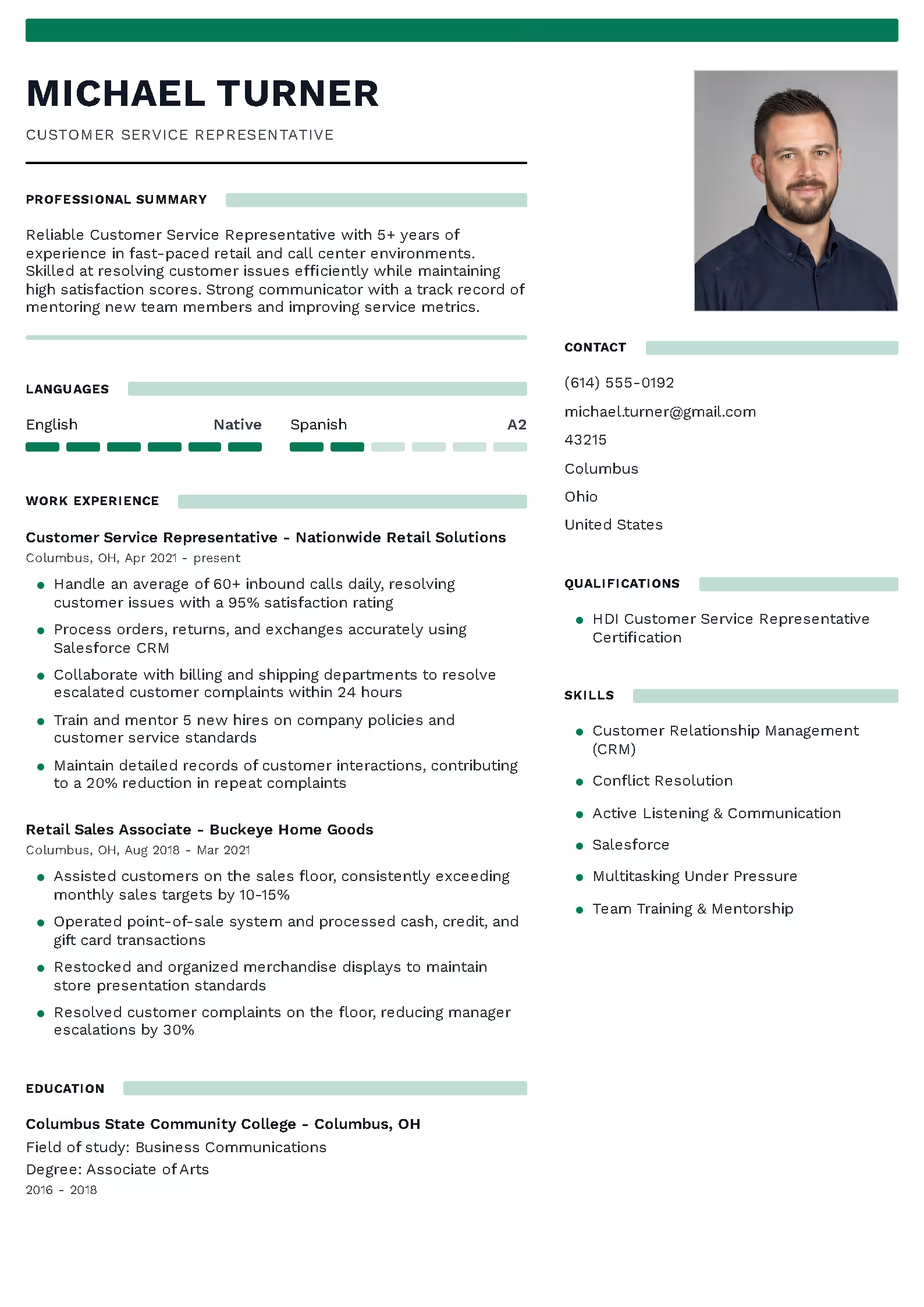
+2
Organized
PREMIUM
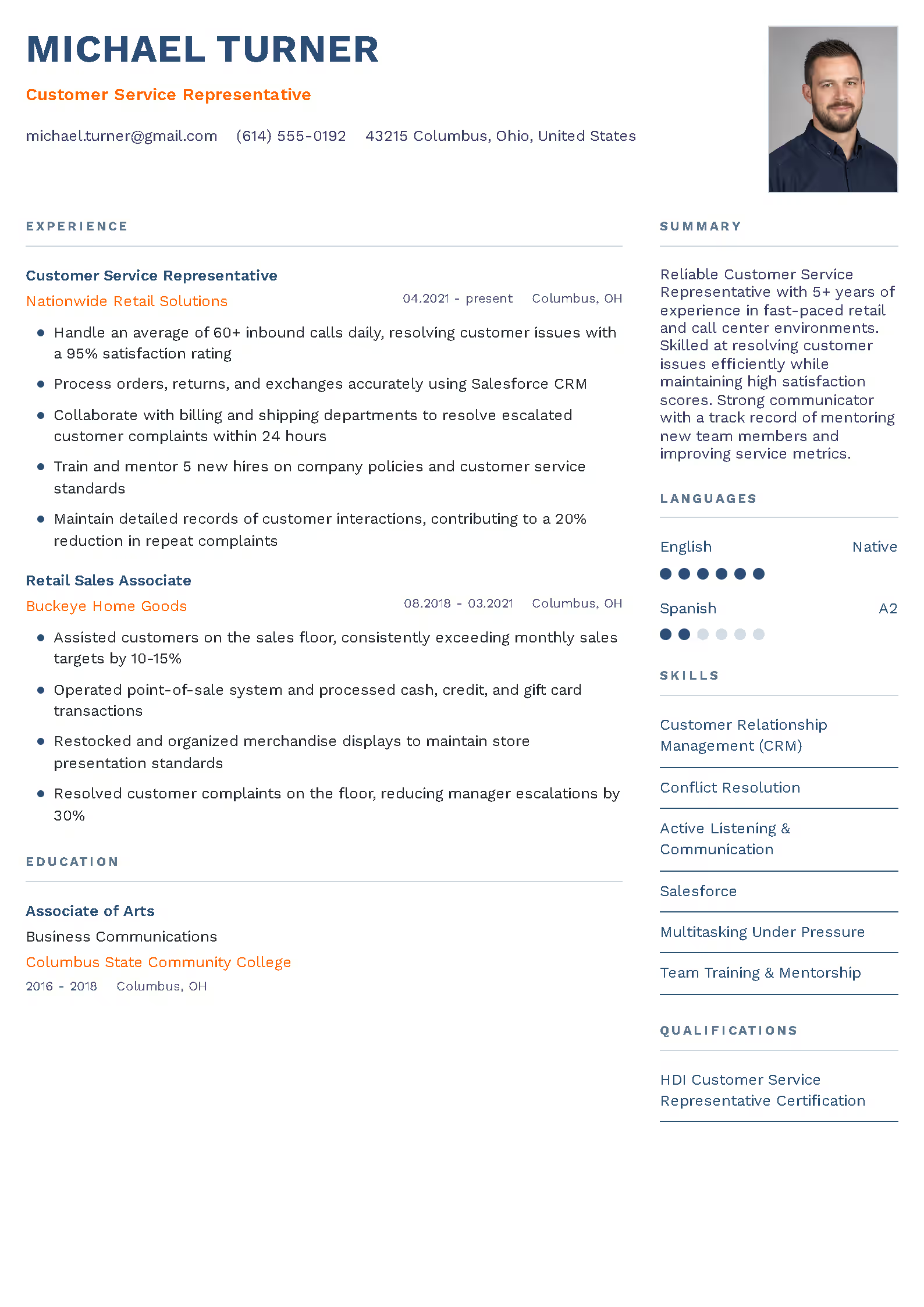
+2
Refined
PREMIUM
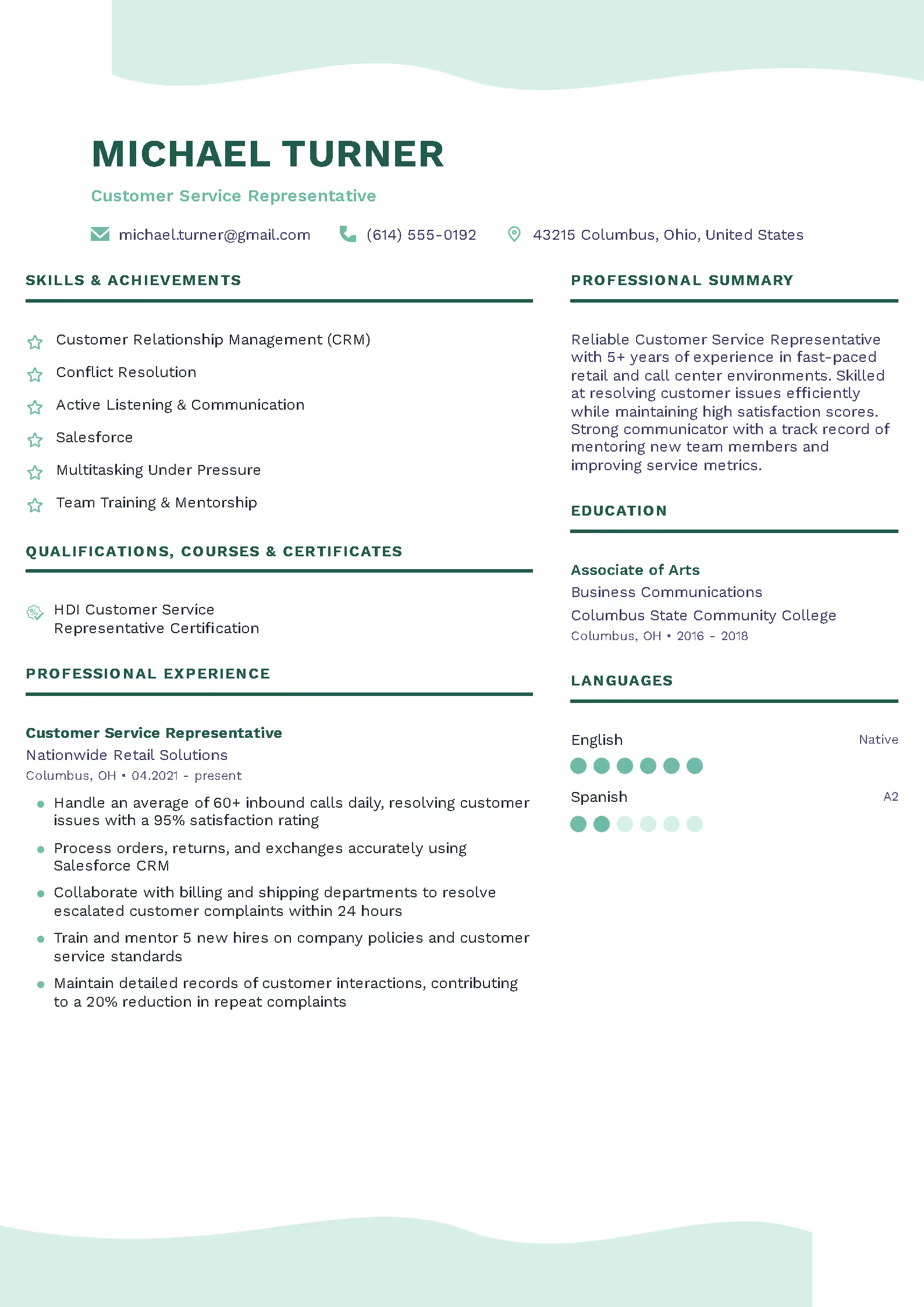
+2
Emerald
PREMIUM
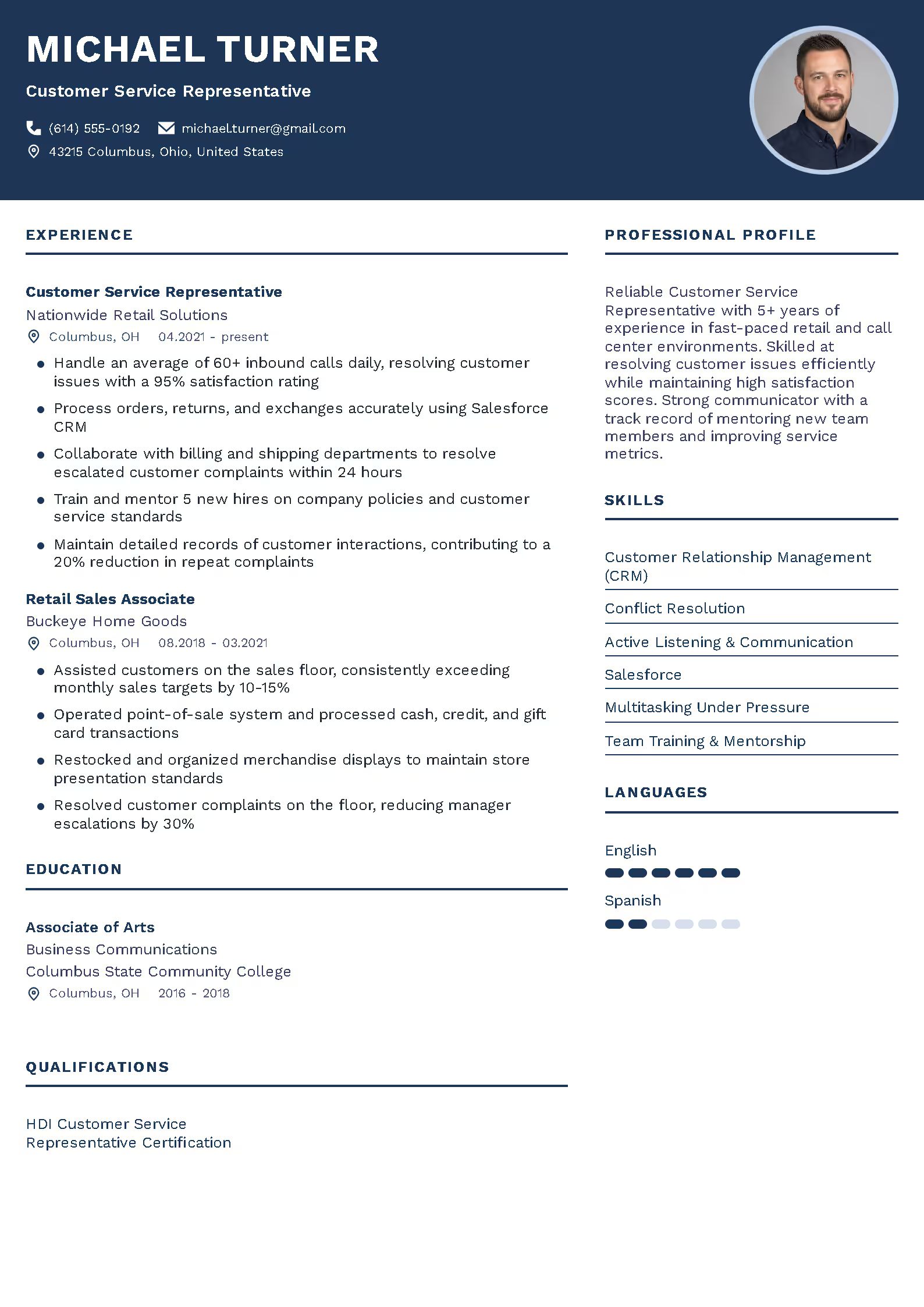
+2
Navy Premium
PREMIUM
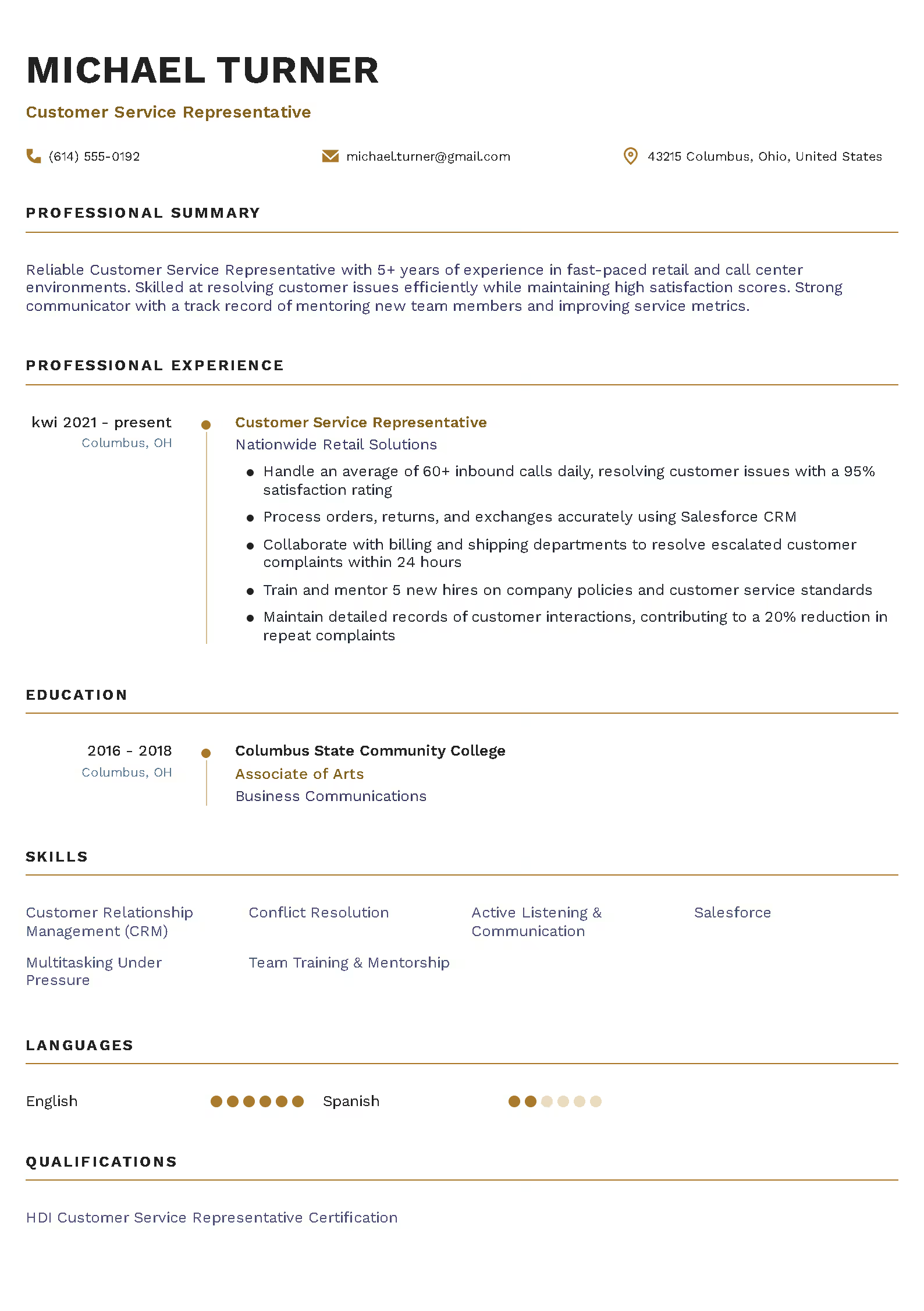
+2
Noble
PREMIUM
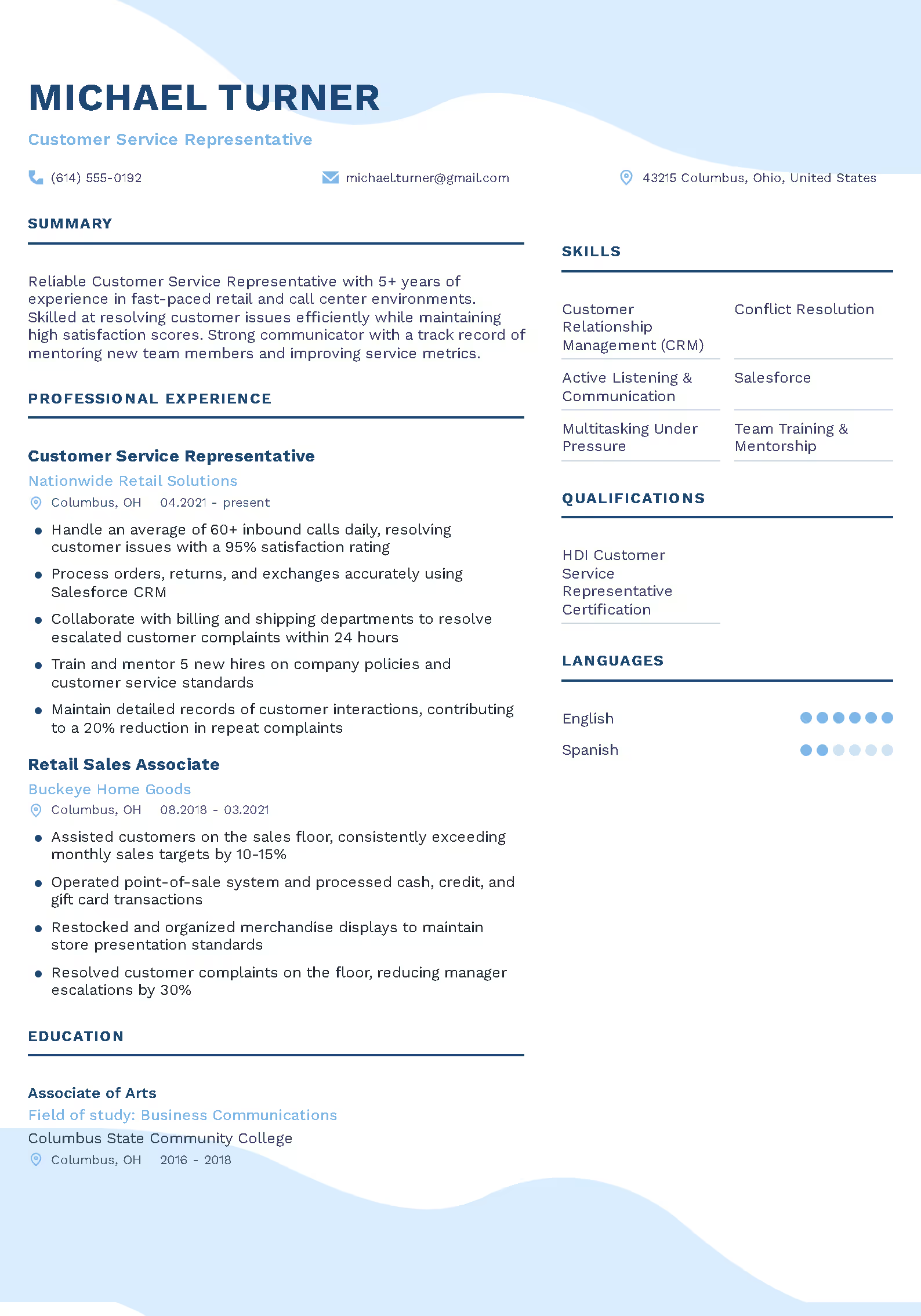
+2
Azure
PREMIUM
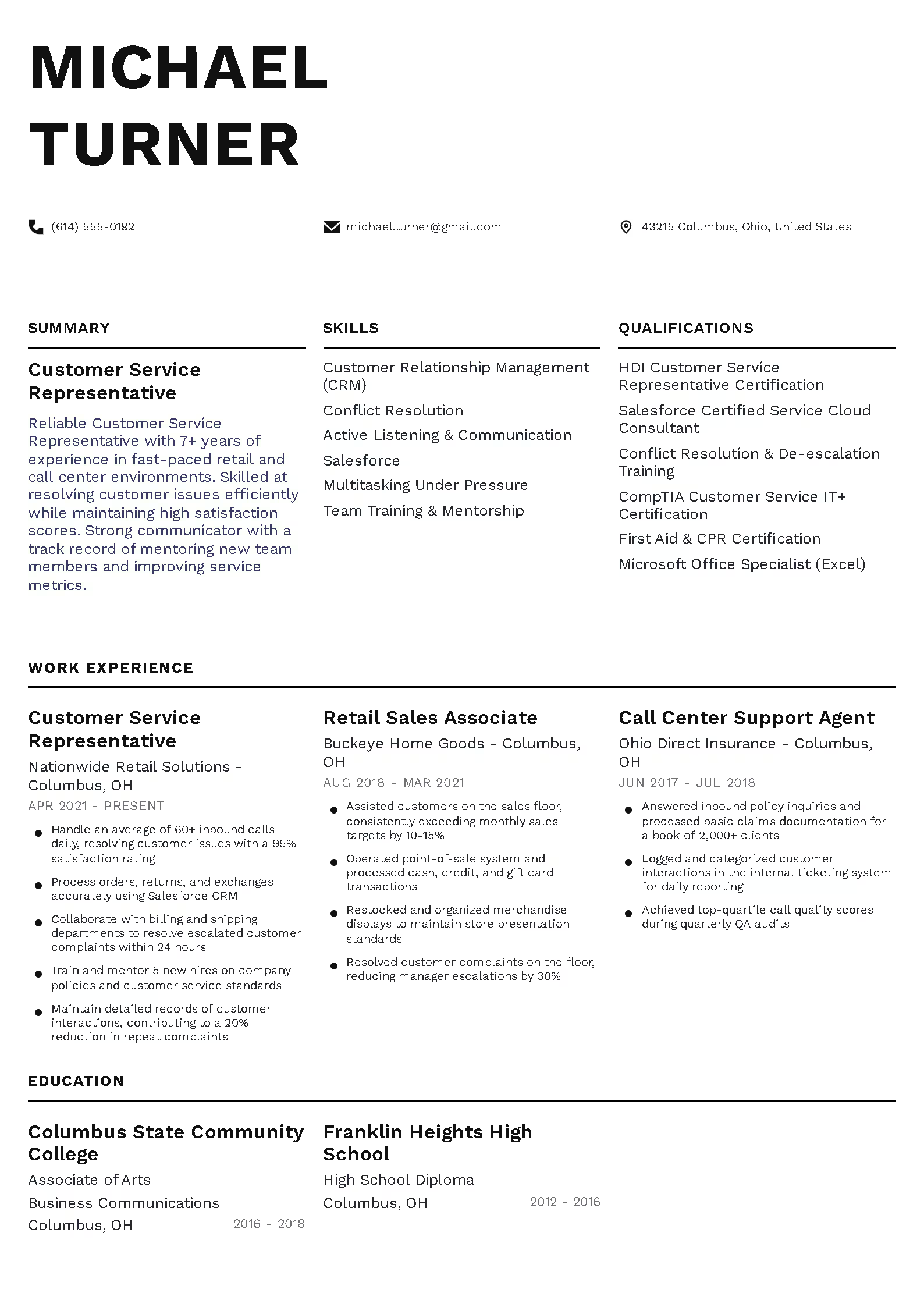
+2
Segmented
PREMIUM
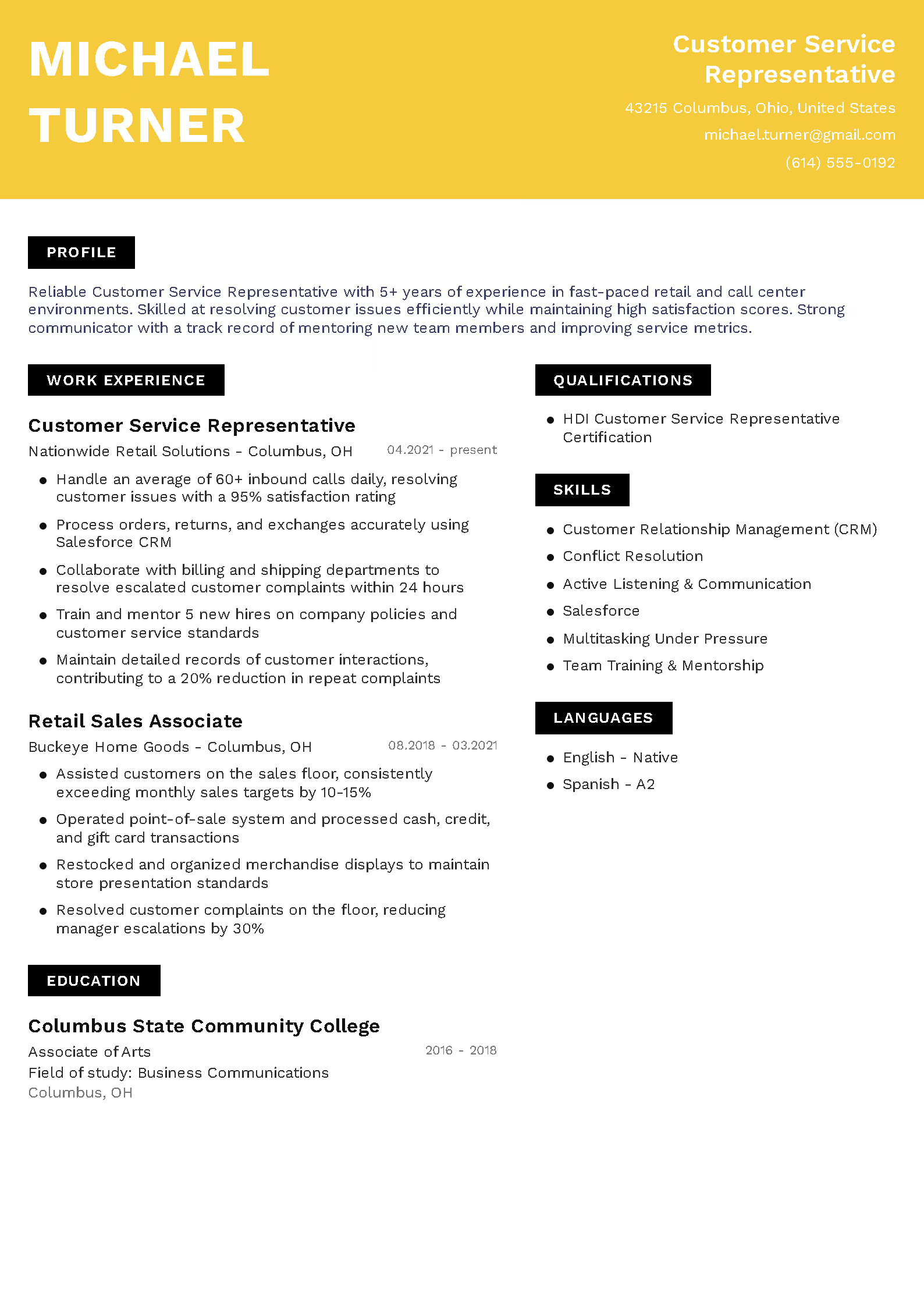
+2
Expressive
PREMIUM
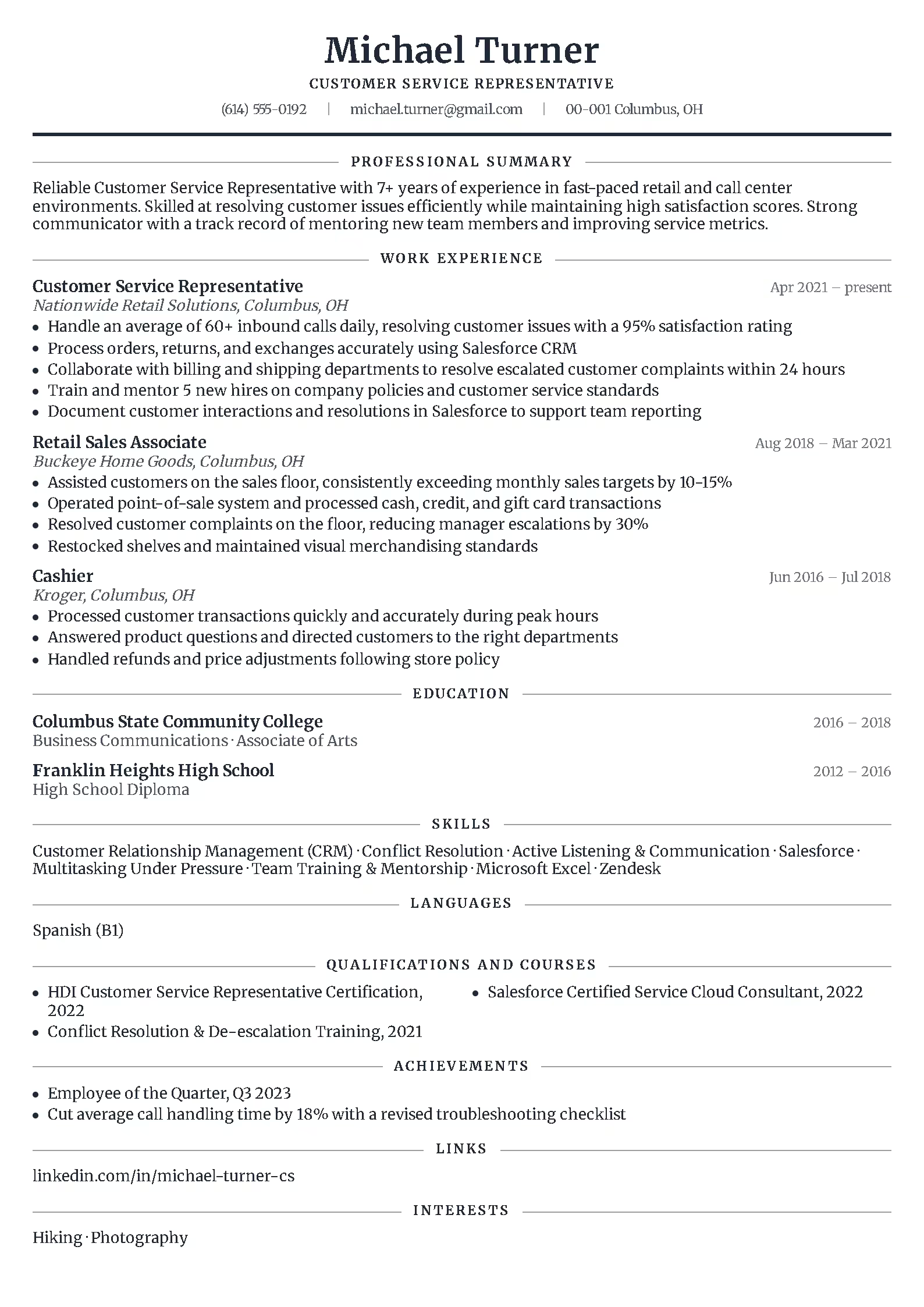
+2
Traditional
PREMIUM
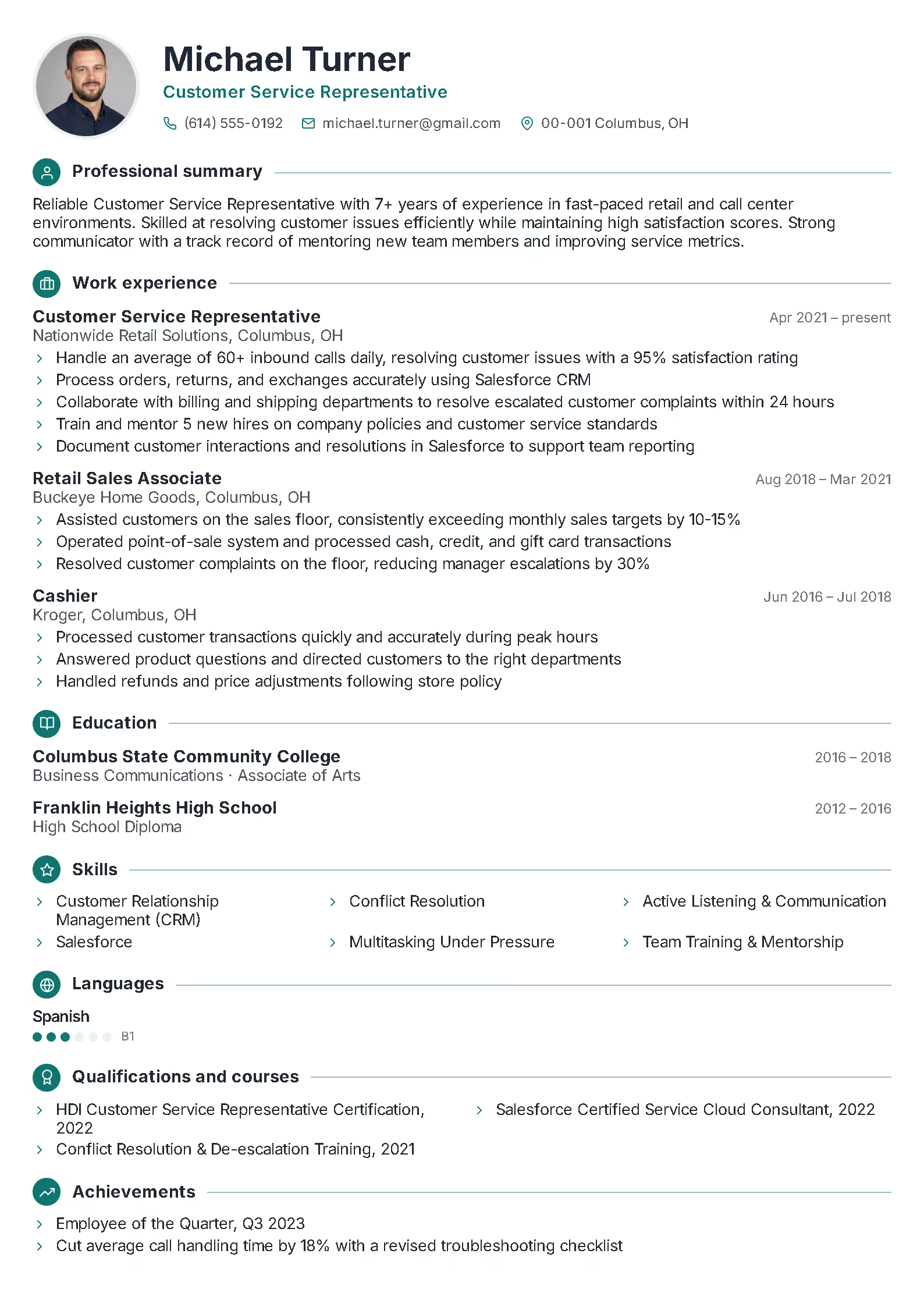
+2
Graphic
PREMIUM
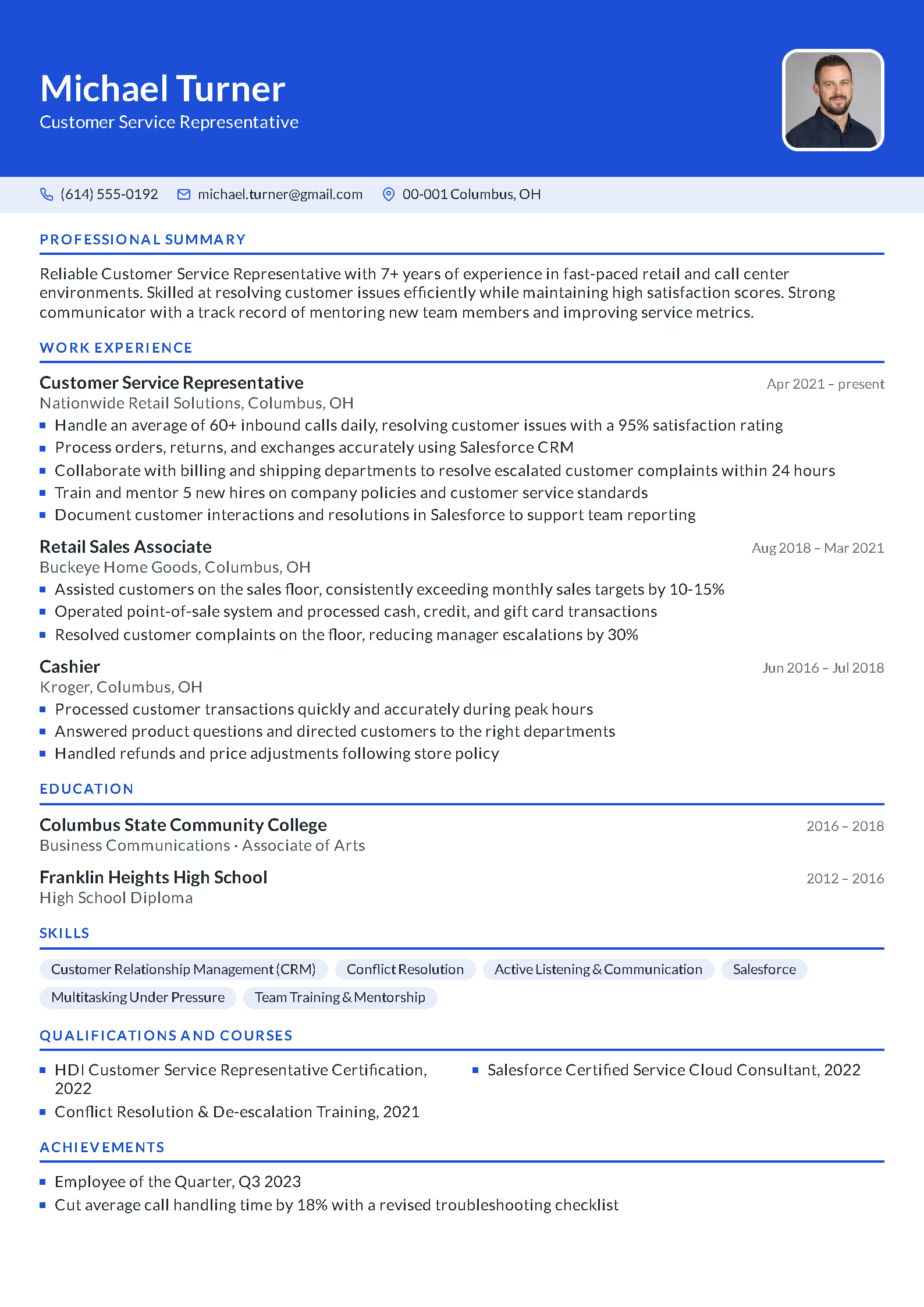
+2
Colorful
PREMIUM
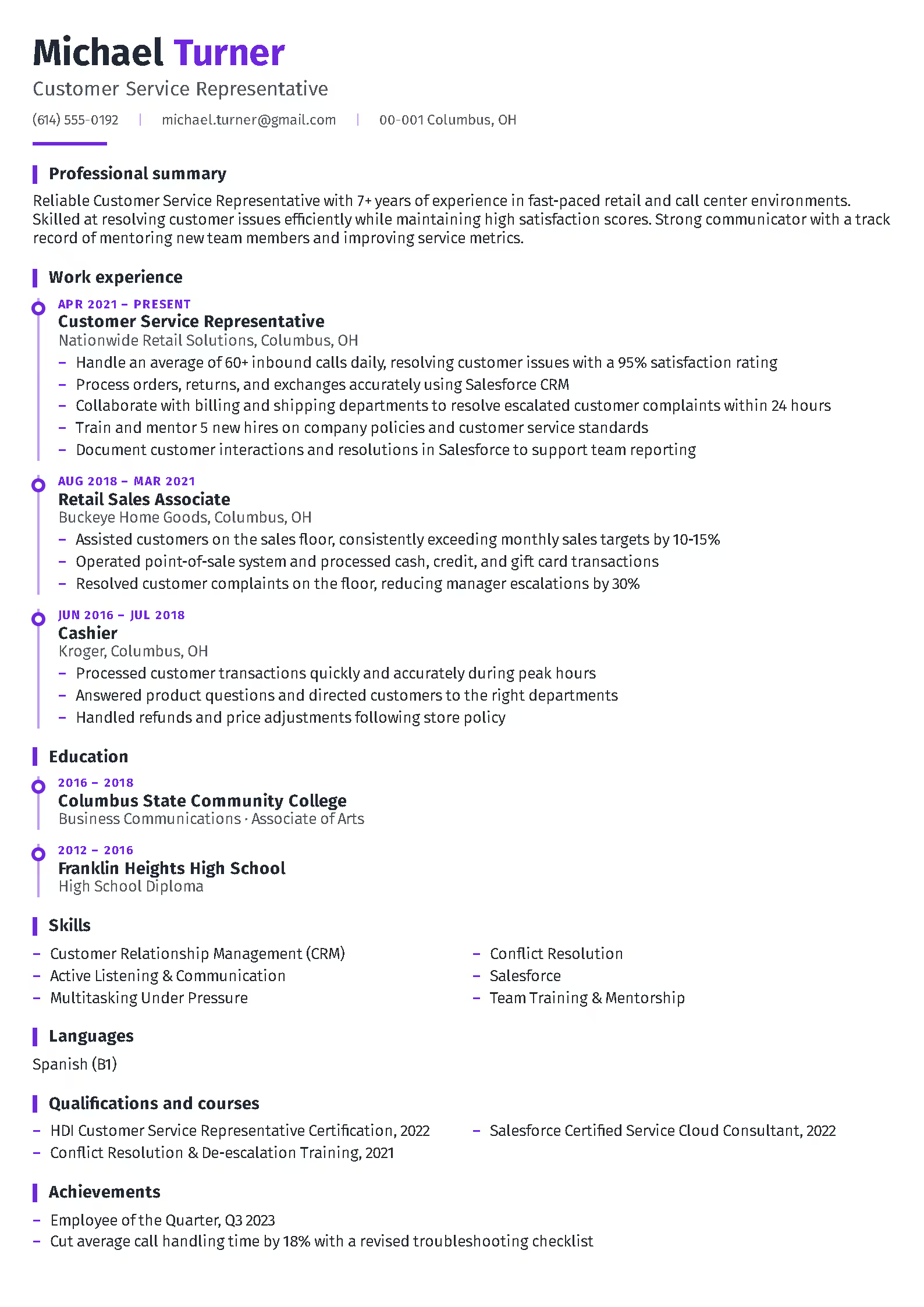
+2
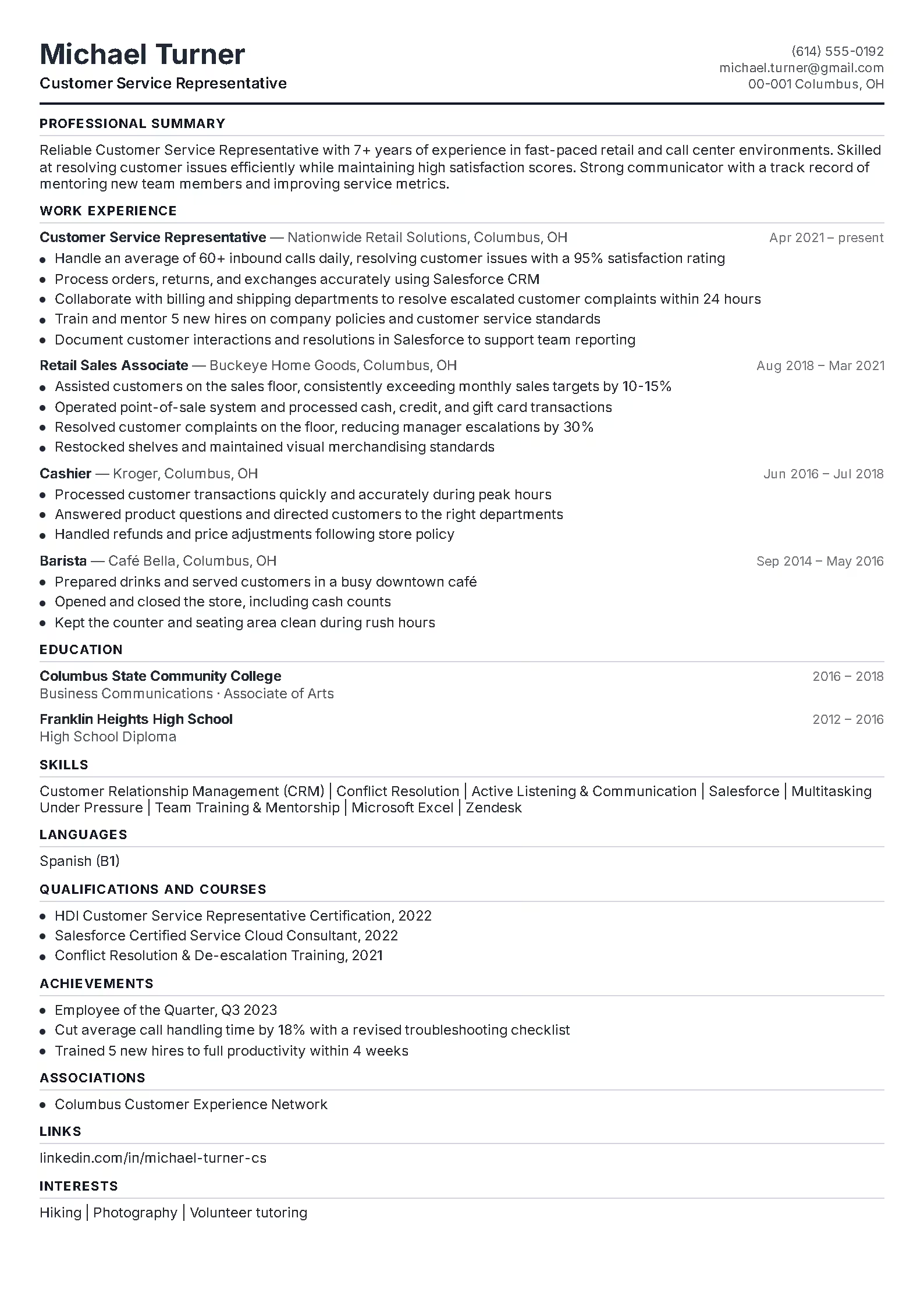
Chronological
PREMIUM
+2
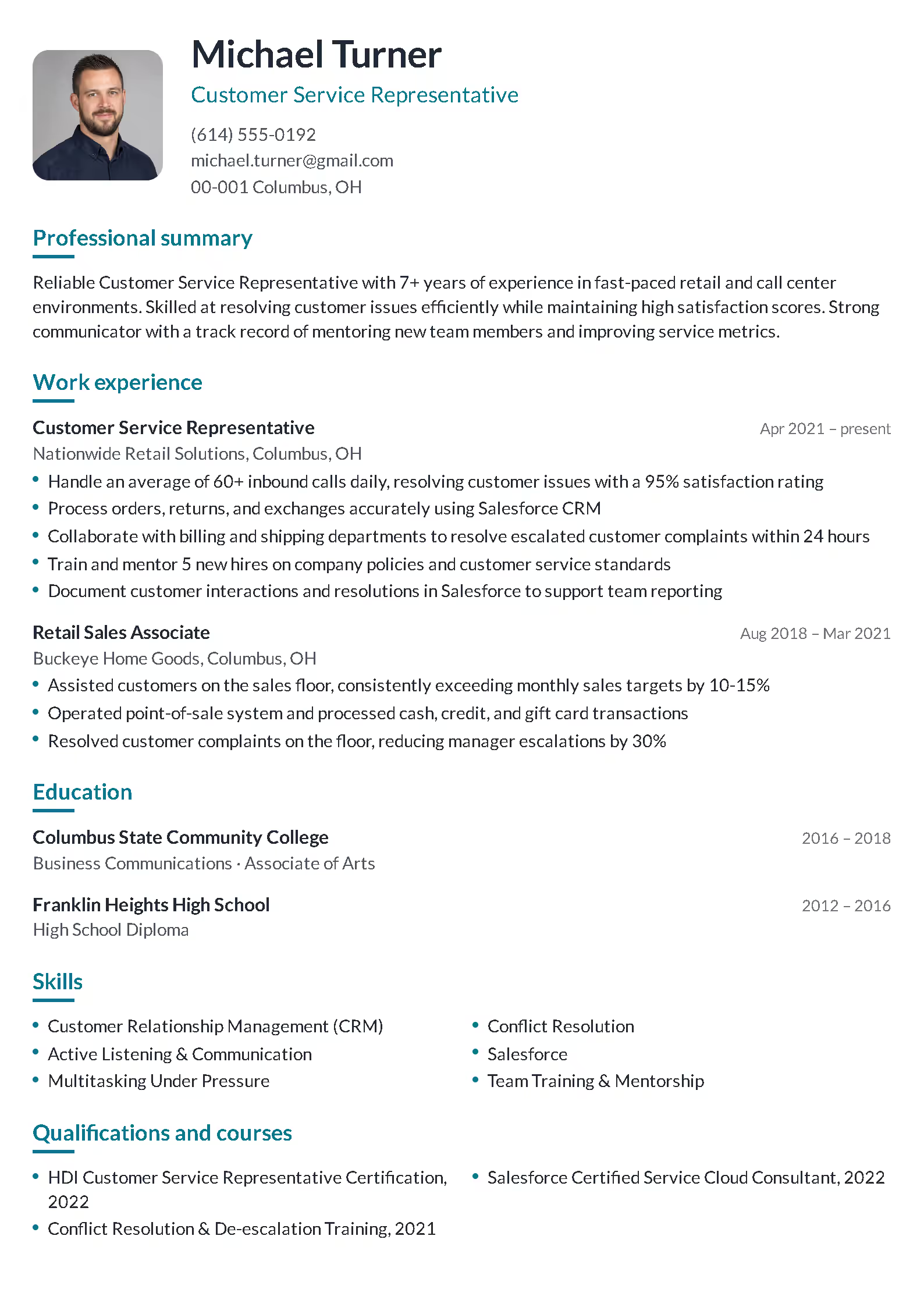
Compact
PREMIUM
+2
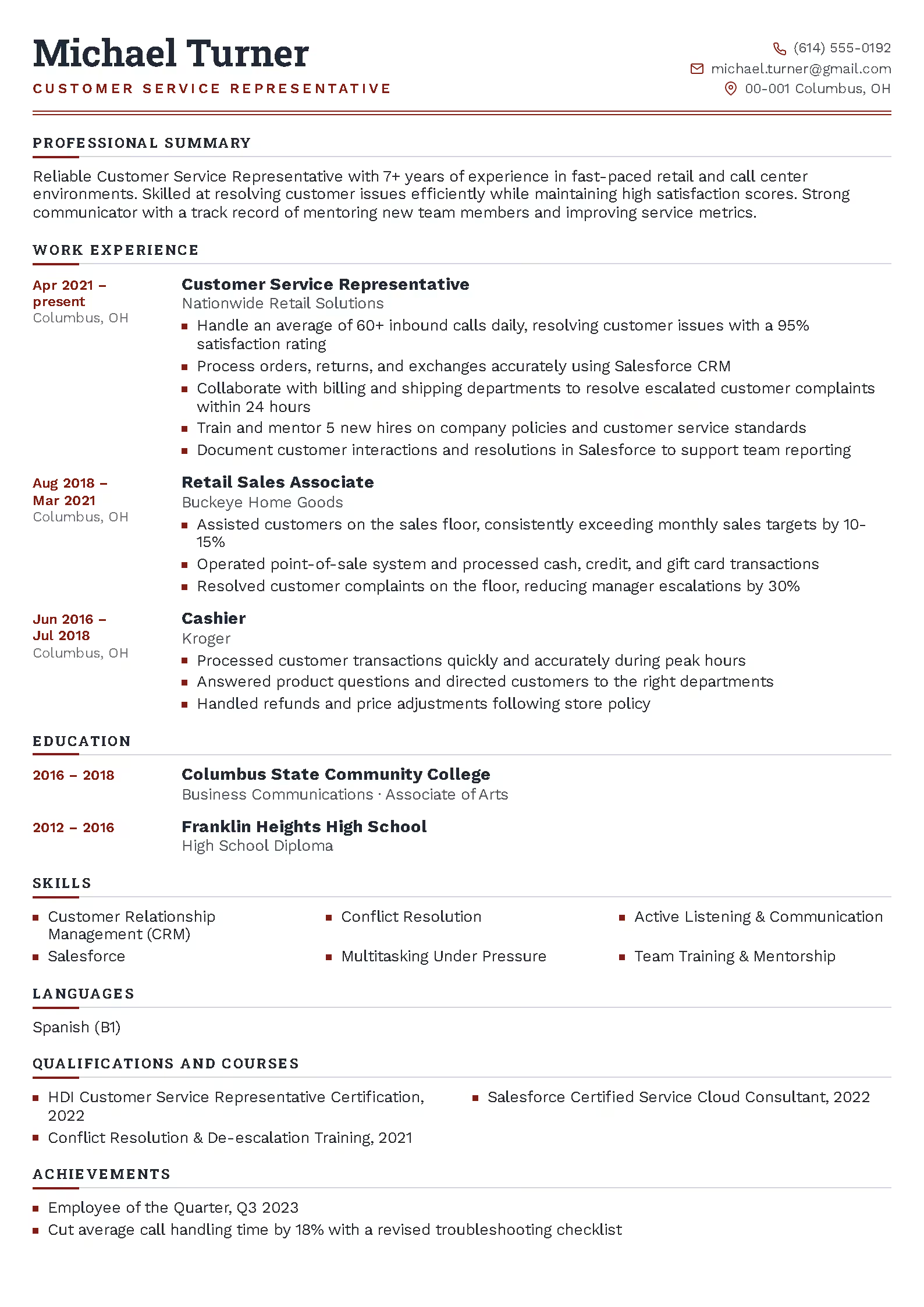
Spacious
PREMIUM
+2
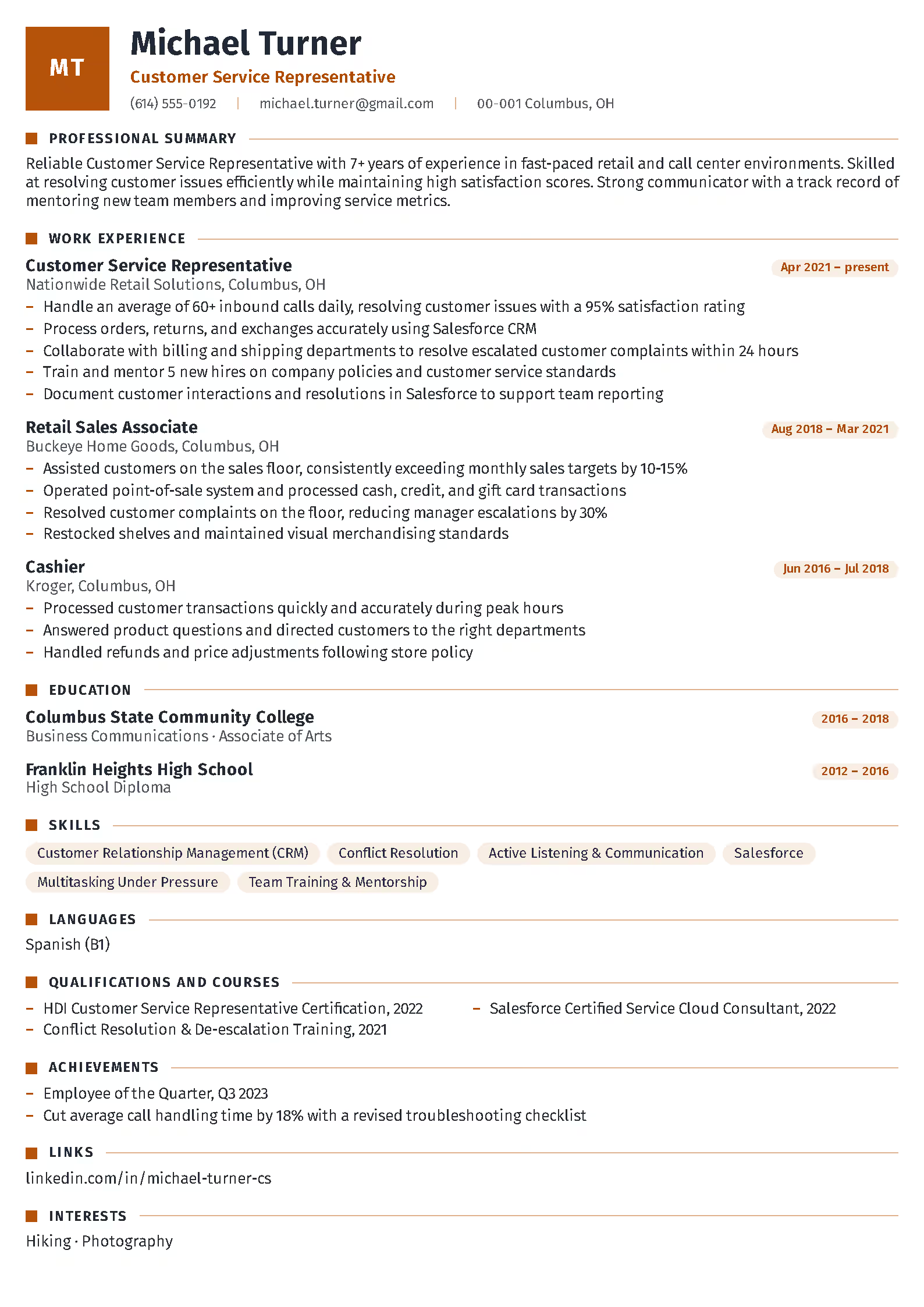
Executive
PREMIUM
+2
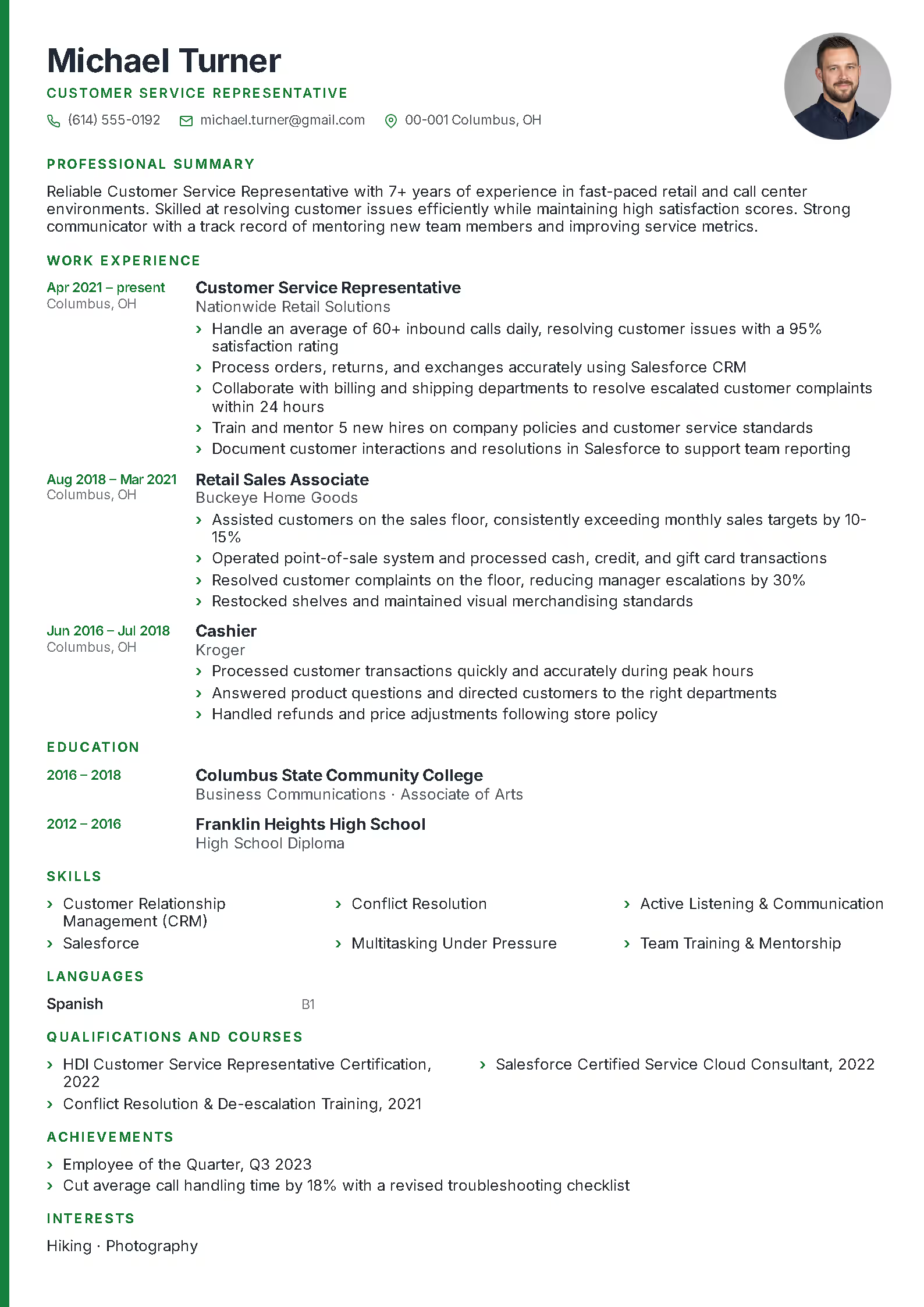
Monogram
PREMIUM
+2
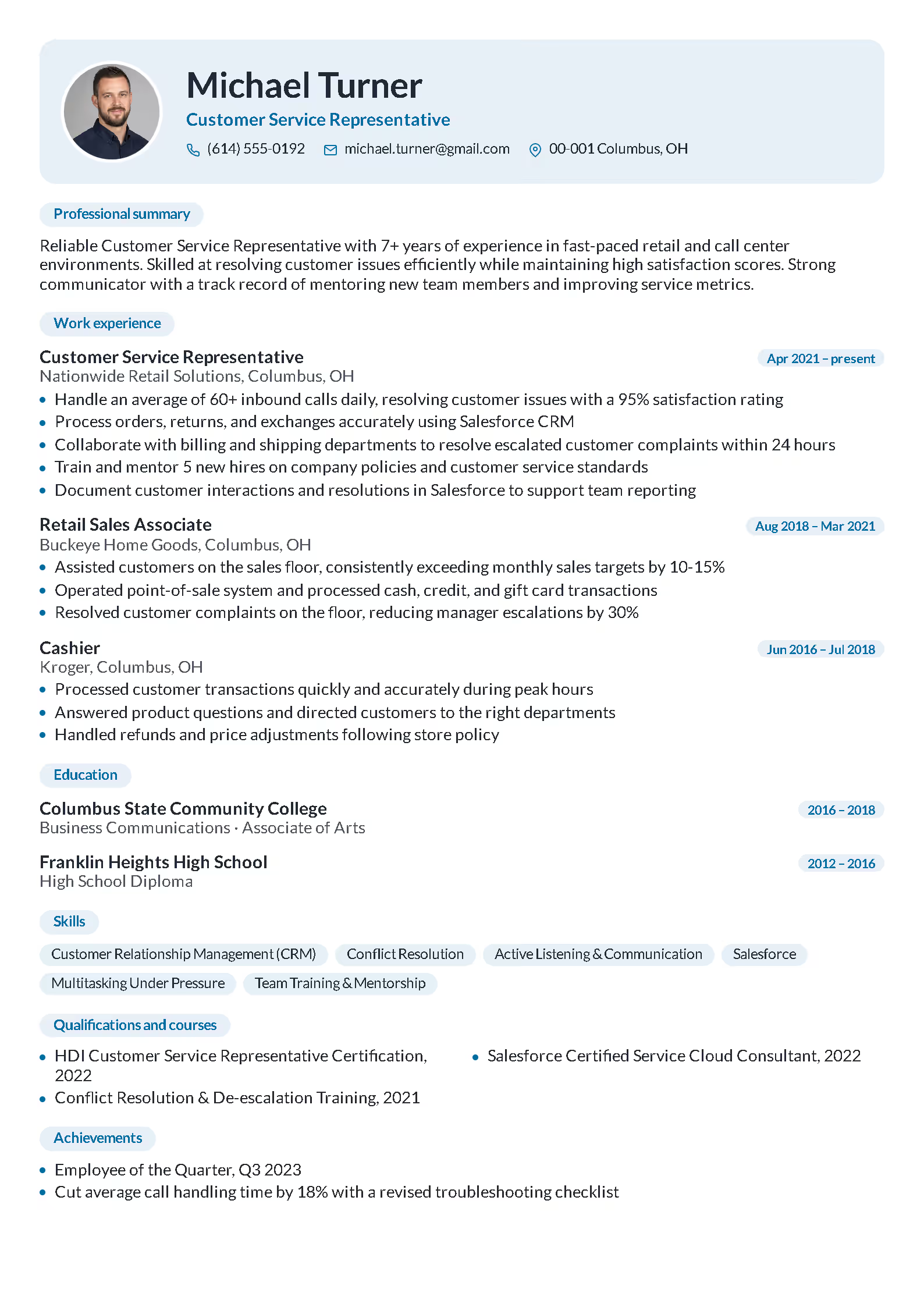
Slim
PREMIUM
+2
Fresh
Professional resume templates in the online builder – what sets them apart?
The resume templates available in the RovoCareer.com builder are designed to genuinely increase your chances of landing an interview invitation. Whether you need a classic resume template for corporate work or a modern one that highlights creativity – our online resume generator lets you create a professional document in minutes.
Why is it worth creating your resume with us? Here are the key advantages of our resume templates:
- ✓Intuitive online resume builder: We designed every resume layout with maximum convenience in mind – no unnecessary steps, no learning complicated software. The result: a finished resume ready to download in about fifteen minutes.
- ✓Resume templates compliant with ATS systems: Your resume first goes to a screening system, and only then to a recruiter. Our professional resume layouts are optimized so that no important part of your experience gets "lost" during automatic parsing.
- ✓Built-in AI resume suggestions: The content assistant in the resume builder offers ready-made phrasing and sample job descriptions tailored to a specific position – you don't start from a blank page, you start building a strong document right away.
- ✓Full resume template personalization: Colors, spacing between sections, block order, profile photo – every element of a resume sample can be adjusted with a few clicks to your own needs and job listing requirements.
- ✓Resume templates for every industry: From classic layouts for office jobs, through modern Resume Examples for IT and marketing, to creative templates for designers – everyone will find something for themselves in the RovoCareer.com library.
- ✓Free resume builder with a premium option: You start creating a resume completely free. If you need more templates, watermark-free export, or additional language versions – you can upgrade to a premium plan at any time.
- ✓Resume export to PDF and DOCX: Recruiters expect different document formats – that's why our resume generator lets you save the finished file both as a PDF (the safest choice) and an editable Word document.
Types of resume templates – how to choose the ideal sample for your profession?
We've divided all the Resume Examples in our generator into four main template categories, so you can quickly find the layout best matched to your industry, position, and employer's expectations.
Classic resume templates – ideal for office and administrative jobs
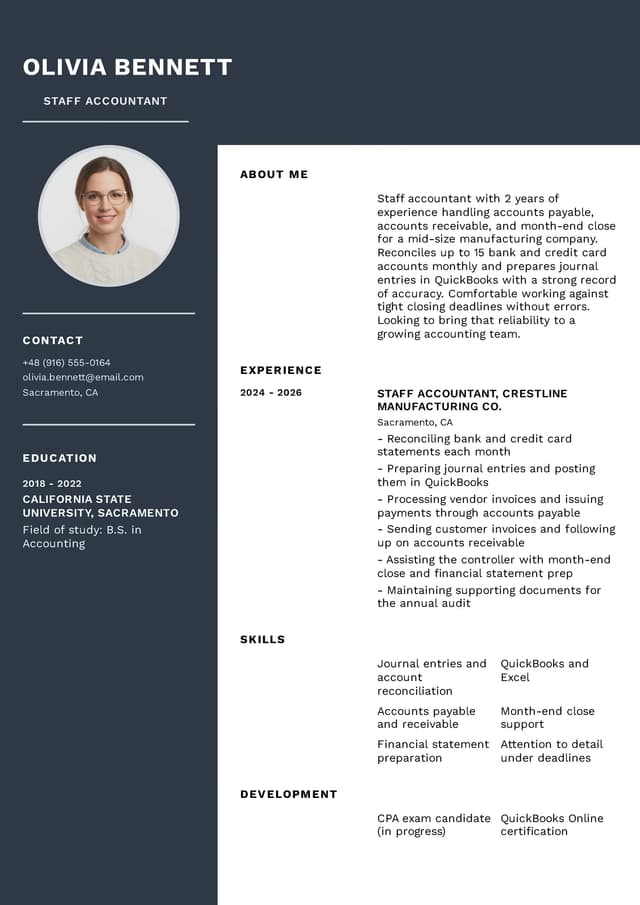
Classic Resume Examples are proven, elegant layouts with subdued typography and a logical, clear ordering of information. This type of resume template is perfect for industries such as law, finance and accounting, public administration, medicine, or education – everywhere the employer expects professionalism and a matter-of-fact presentation of professional experience. A classic resume builder will highlight your reliability and years of expertise.
Sample Resume
Staff Accountant Resume – Classic Template
Download a classic resume sample for a Staff Accountant and adapt it to your experience. This professional online resume template lets you create a document in minutes that will pass ATS screening and catch a recruiter's attention.
Hospitality resume templates – for food service, hotels, and customer-facing roles
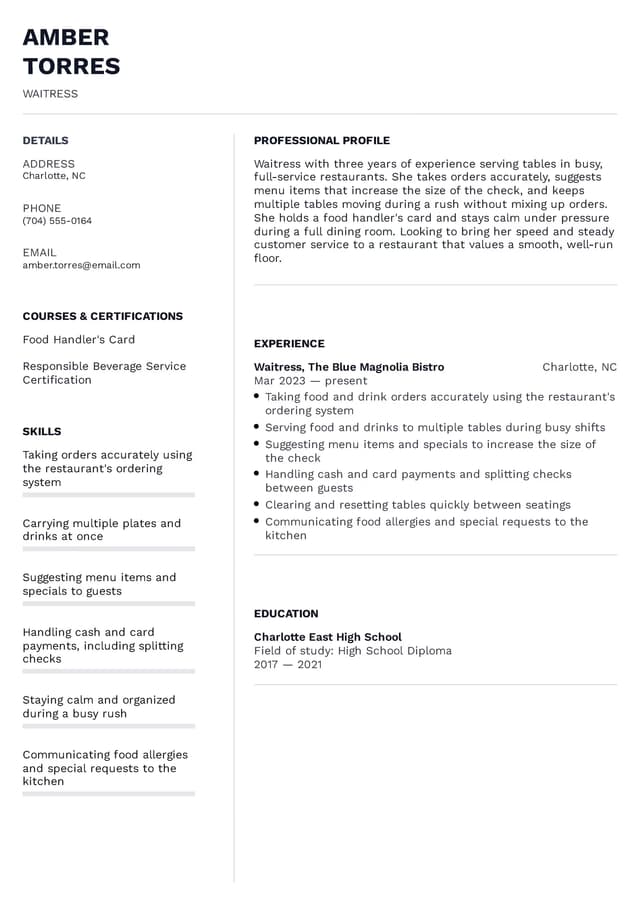
Hospitality resume templates are designed for roles where customer interaction, reliability, and a professional appearance matter most. This resume template style is perfect for waitstaff, bartenders, hotel front desk, and other service positions. Showcase your experience in fast-paced environments, your ability to work in a team, and any relevant certifications. Browse our Resume Examples for food service roles, or use the online resume builder to adjust colors and layout to reflect a clean, approachable look that works best in this industry.
Sample Resume
Waiter Resume – Downloadable Hospitality Template
Create a professional resume for a Waiter in the RovoCareer.com generator – highlight your customer service skills, fast-paced work experience, and knowledge of food safety. Our online resume builder lets you edit every detail and export to PDF.
Modern resume templates – for IT, marketing, and sales
Modern Resume Examples are minimalist yet expressive layouts – clean lines, pops of color accents, and plenty of space for concrete achievements. This type of resume template works great in the IT and new technologies industry, as well as marketing, HR, sales, and e-commerce, where a fresh, current take on an application document matters. Use our free online resume generator and prepare a modern resume that sets you apart from other candidates.
Sample Resume
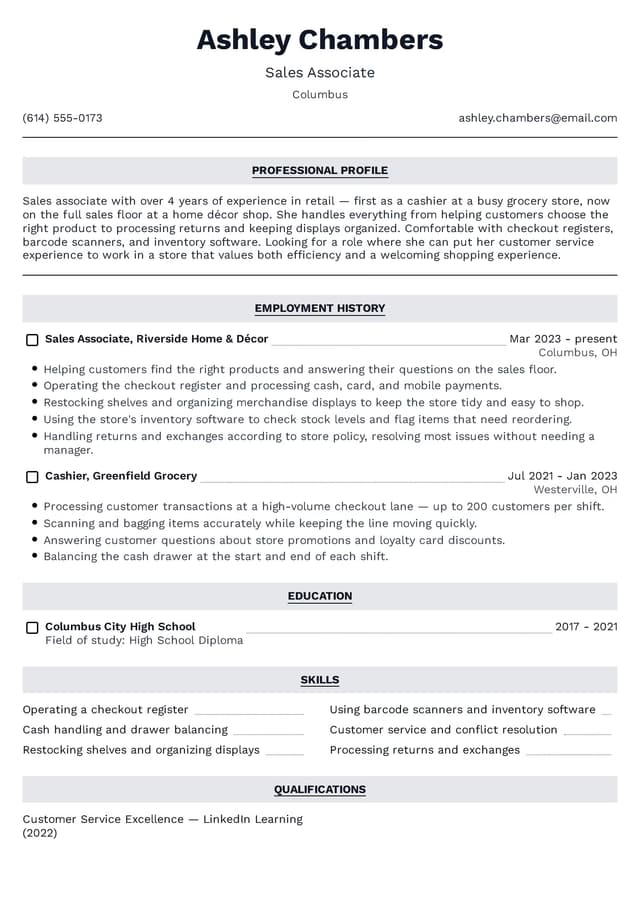
Sales Associate Resume – Modern Template
A modern resume template for a Sales Associate – highlights sales achievements, customer service skills, and key competencies. Use the online resume builder, edit the sample in minutes, and download the finished PDF file.
Universal resume templates – for logistics, sales, food service, and students
Universal Resume Examples are clear, balanced layouts with a moderate amount of color accents. This type of resume template is an ideal choice for people working in retail, hospitality, and food service, logistics, manufacturing, and transportation – as well as for students and graduates looking for their first internship or job. Our free online resume builder lets you fill in any universal sample and download a finished document in under 15 minutes.
Sample Resume
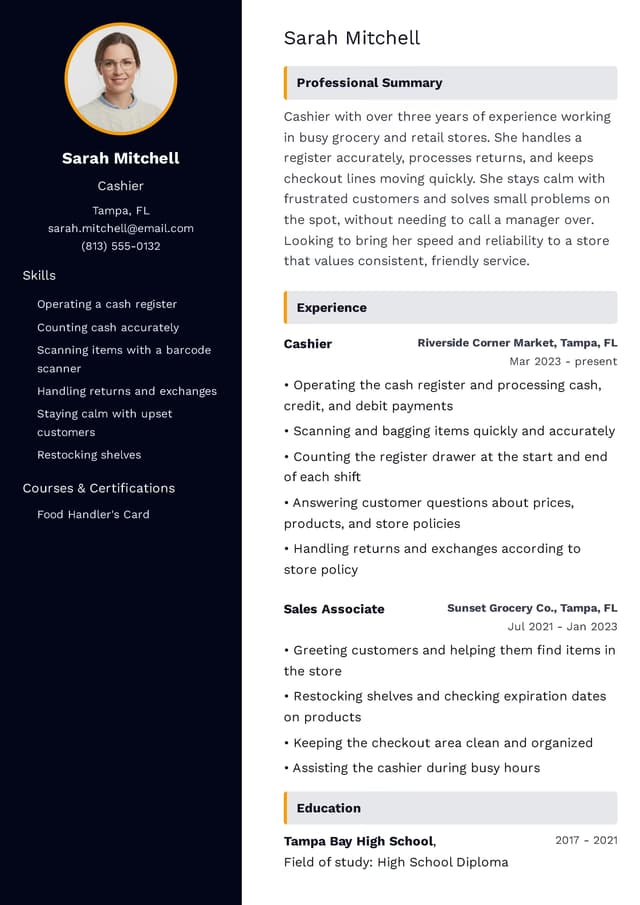
Cashier Resume – Universal Editable Template
A simple, clear resume sample for a Cashier – with room for cash handling, customer service, and retail experience. Fill in the template in the resume builder and download a finished PDF document.
Sample Resume
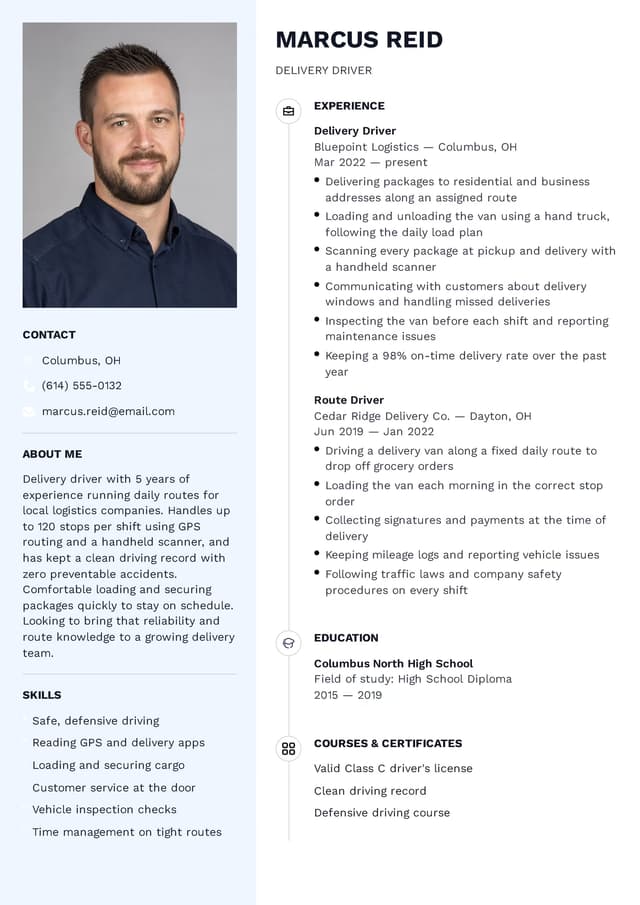
Driver Resume – Universal Downloadable Template
A practical resume template for a Driver with a dedicated section for driver's license, certifications, and driving experience. Use the online resume builder, fill in your details, and download the file.
How to choose the best resume template? 6 traits of a good resume sample
An effective resume template isn't just an attractive graphic – it's above all a thoughtful section layout that shows a recruiter what matters most within the first few seconds. What should you look for when choosing a resume sample in an online generator?
- 1Resume header with contact details: A professional header is the business card of every resume. It should include your name, phone number, email address, and optionally a link to your LinkedIn profile or online portfolio. See how to write a resume in 2026 to make a great impression from the start.
- 2Clear resume layout: The right balance between content and free space (so-called white space) determines whether a document is pleasant to read. A professional resume shouldn't look overloaded with text, nor too sparse – our generator maintains ideal proportions.
- 3Room for work experience: Candidates with a long career need a resume template with an expanded employment history section, while students and graduates need a concise layout where even two or three entries look professional. Choose a resume sample matched to your career stage.
- 4Clear typography and resume colors: A professional resume template uses at most two fonts sized 10-12 points, and a muted color palette – most often navy, gray, forest green, or burgundy. Avoid Resume Examples with bright colors unless you're applying to a creative position.
- 5Ability to edit the resume template online: Every resume sample at RovoCareer.com can be edited directly in your browser – no Word, Excel, or Photoshop needed. Changing colors, fonts, section order, or adding a photo takes seconds. See also how to avoid the 15 most common resume mistakes.
- 6PDF export without formatting loss: Always check what format the employer expects for the document. If there are no guidelines – choose PDF. Our generator saves the file in PDF format, preserving 100% of the graphic layout regardless of the device or program used.
Frequently Asked Questions About Resume Templates
We've gathered the questions users most often ask when looking for a ready-made resume sample matched to a profession, industry, or career stage.
Recruiters value a resume that shows from the first few seconds that a candidate understands the requirements of a specific position. That's why it's worth adjusting your resume content for every application – both in terms of keywords and layout. Our online resume builder makes it easy to quickly edit any template for a specific job listing.
Good practice is to limit yourself to work experience from the last 10 years. Students and graduates can include as many as three entries, while people with a richer career history should gradually remove less relevant positions, making room for the ones more significant to a given application.
In most cases, one page is the best choice for a resume – especially if you're using an online builder and want the document to be concise and clear. Exceptions may include people in management positions, with a very extensive career history, or applying to academic positions.
What to include in a resume header depends heavily on the market you're applying to. In many English-speaking countries, information such as date of birth, marital status, or religion isn't included, and a photo is only added when appearance genuinely matters for the position. Norms vary widely across countries, so it's worth checking local conventions.
Usually an email address and phone number are enough. If you'd like, you can add just your city or region, without a full address. In the RovoCareer.com builder, you can easily adjust this data in a finished template.
The standard is 4–5 bullet points describing responsibilities and achievements at a given position. With at least three entries on a resume, that's a total of 12–15 bullet points of content – the optimal amount to make the document thorough without being overloaded.
The template itself isn't the problem – what puts a recruiter off is a document that looks identical to hundreds of others and hasn't been tailored to a specific job listing. The key is personalizing the content. Our online resume builder gives you full editing freedom – you can change colors, layout, and content to create a unique document.
A good professional summary combines an accurately described professional identity, key achievements, and qualifications critical to the position you're applying for. In the RovoCareer.com builder, you'll find AI suggestions to help you phrase a professional summary.
The skills section on a resume should combine hard skills specific to the profession with soft skills. Before creating it, it's worth carefully analyzing the job description and matching the list to the employer's real expectations. The online resume generator makes editing this section easy – you can add and remove items with one click.
Choose a Resume Template
Try out different styles and start building from the best layout for your industry.