How to Build a Standout LinkedIn Profile
Most people treat LinkedIn like a static copy of their resume — a job title here, a few duties there — and then wonder why nobody reaches out. A standout profile reads more like a short pitch than a filing cabinet: it tells a visitor exactly who you help, how you do it, and what you have actually achieved.
This guide walks through each section in the order a recruiter actually reads them, with real examples of what works and what quietly repels attention. By the end, you will have a clear checklist to update your own profile today, not someday.
Why Your LinkedIn Profile Matters More Than You Think
The scale is hard to ignore. According to SHRM's Talent Access benchmarking research, LinkedIn is used to source 67% of nonexecutive hires, putting it ahead of most other single recruiting channel. If your profile is incomplete, you are invisible to a large share of the people actually doing the hiring.
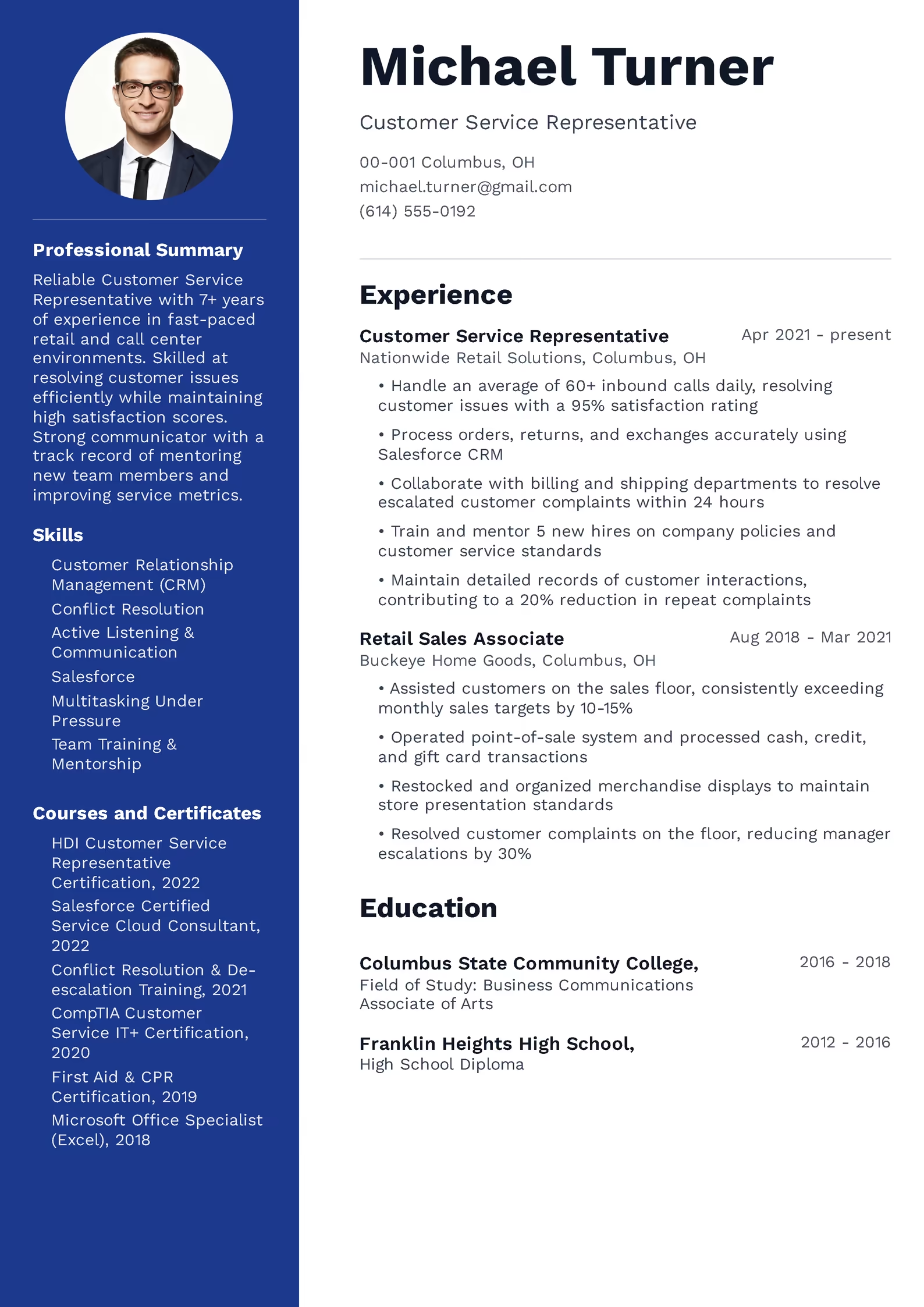
Completeness itself has a measurable effect. LinkedIn's own data shows that profiles with a professional photo receive 21 times more views and 9 times more connection requests than profiles without one — a difference far too large to leave on the table for the ten minutes it takes to fix.
This matters just as much for people who are not actively job hunting. A well-built profile keeps working quietly in the background: former colleagues find you when they move to a new company with an opening, industry peers reach out with speaking or freelance opportunities, and recruiters searching for your exact skill set can actually locate you instead of scrolling past a bare-bones page. Treating LinkedIn as a one-time setup task rather than a living document is the single biggest reason strong profiles fall behind.
What Profile Completeness Actually Changes
| Element | Measured effect |
|---|---|
| Professional profile photo | 21x more profile views |
| Professional profile photo | 9x more connection requests |
| LinkedIn used to source nonexecutive hires | 67% of organizations |
Sources: LinkedIn Business Blog; SHRM Talent Access Benchmarking Report.
Choosing a Profile Photo and Banner That Work For You
Dress the way you would for an interview in your industry: business formal for law, finance, or accounting; smart casual for most office and retail management roles; a clean uniform photo for trade and warehouse roles if that is standard practice at your company. The goal is to look like a trustworthy version of yourself on an ordinary good day, not a glamour shot.
The banner image behind your photo is the most commonly wasted space on LinkedIn. Instead of leaving the default blue background, use a simple image or a single line of text that reinforces what you do — for example, a receptionist could use a warm, professional-looking office photo, while a teacher could use a simple graphic naming their subject and grade level.
Writing a Headline That Gets You Found in Search
A strong headline usually follows a simple formula: role, specialty or key strength, and a measurable result or focus area. An accountant, for example, might write “Accountant | Payroll & Tax Compliance for Small Businesses | Reduced Client Filing Errors by 30%” instead of simply “Accountant at Smith & Co.”
Keep the most important keywords near the front of the headline, since LinkedIn — and Google, when your profile appears in search results — gives more weight to the earlier words. Avoid vague phrases like “passionate professional” or “hard worker,” which say nothing a recruiter can search for or act on.
LinkedIn gives you 220 characters for a headline, and it is worth using most of that space rather than stopping at a single job title. A teacher, for instance, might write “Elementary School Teacher | Reading Intervention & Classroom Technology | Raised Class Reading Scores by 15%,” which gives a recruiter three separate, searchable hooks instead of one. Test your headline by asking a colleague in a different field to read it — if they cannot tell what you actually do within five seconds, it needs another pass.
Crafting an About Section That Actually Sells You
Open with a single clear sentence about who you are professionally, rather than a generic greeting. Follow with two or three sentences on your core strengths, backed by a specific number wherever possible — “trained 12 new hires,” “managed a $200,000 annual budget,” or “cut average customer wait times by 15%” all say more than “responsible for training and budgeting.”
Close with a short call to action: what kind of opportunity, project, or connection you are open to. This single sentence makes it easy for a recruiter or hiring manager to know exactly why to reach out to you, rather than leaving them to guess.
Write the About section in first person, using “I,” rather than the third-person resume style some people default to out of habit. LinkedIn is a more conversational space than a resume, and a natural, first-person voice tends to read as more confident and more human, without needing to sound casual or unpolished.
Turning Your Experience Section Into Proof, Not a Job Description
Rewrite each role using two or three bullet points that lead with a measurable result. A retail store manager might write “Increased quarterly sales by 18% by redesigning the store's product displays” instead of “Responsible for managing store operations.” The same discipline that improves a resume improves a LinkedIn profile, since both are ultimately read by the same recruiters within the same week.
If you're not sure your bullet points are pulling their weight in either place, our guide on common resume mistakes and how to avoid them walks through the exact fixes for vague, duty-focused language, and most of those fixes apply directly to your LinkedIn experience entries too.
Duty-Focused vs. Achievement-Focused Bullets
| Duty-focused (weak) | Achievement-focused (strong) |
|---|---|
| Responsible for customer service | Resolved 95% of customer complaints on first contact, above the team average of 78% |
| Handled scheduling for the team | Redesigned shift scheduling, cutting overtime costs by 12% over six months |
| In charge of training new employees | Trained and onboarded 15 new hires with a 90% first-year retention rate |
Skills, Endorsements, and Recommendations That Build Credibility
Pin your top three most relevant skills to the top of the section, since those are the ones visible without a visitor clicking to expand the list. If you're unsure which combination of hard and soft skills to highlight for your field, our breakdown of hard and soft skills for a resume applies just as directly to a LinkedIn profile.
Recommendations carry more weight than endorsements because they are written, specific, and harder to fake. Ask two or three former managers or colleagues for a short recommendation focused on one concrete strength or project, rather than a vague “great to work with” note — a specific recommendation reads as real evidence, not a formality.
When you ask for a recommendation, make it easy for the other person by reminding them of a specific project or result you worked on together. Most people are happy to write one but freeze up when asked to write something generic from memory, so a short prompt like “would you be able to mention the inventory system rollout we worked on together?” usually produces a far stronger, more specific result than an open-ended request.
Common LinkedIn Profile Mistakes to Avoid
Leaving the default headline in place. A headline that only repeats your job title wastes the single most search-weighted field on your entire profile.
Copy-pasting your resume word for word. LinkedIn rewards a slightly more conversational, first-person tone in the About section, while the Experience section should still lead with results, not duties.
Letting the profile go stale. A profile with no activity and a job listed as current three companies ago signals disengagement. Update your headline, About section, and current role every time something meaningful changes.
Skipping the skills and recommendations sections entirely. These sections directly affect both search visibility and the trust a visitor places in the rest of your profile, so an empty one quietly costs you both.
Writing in the third person out of habit. Phrases like “John is a dedicated professional” in the About section read as stiff and impersonal on a platform built for first-person voice. Switching to “I” alone often makes a profile feel noticeably more genuine without changing a single fact.
Keeping Your Resume and LinkedIn Profile in Sync
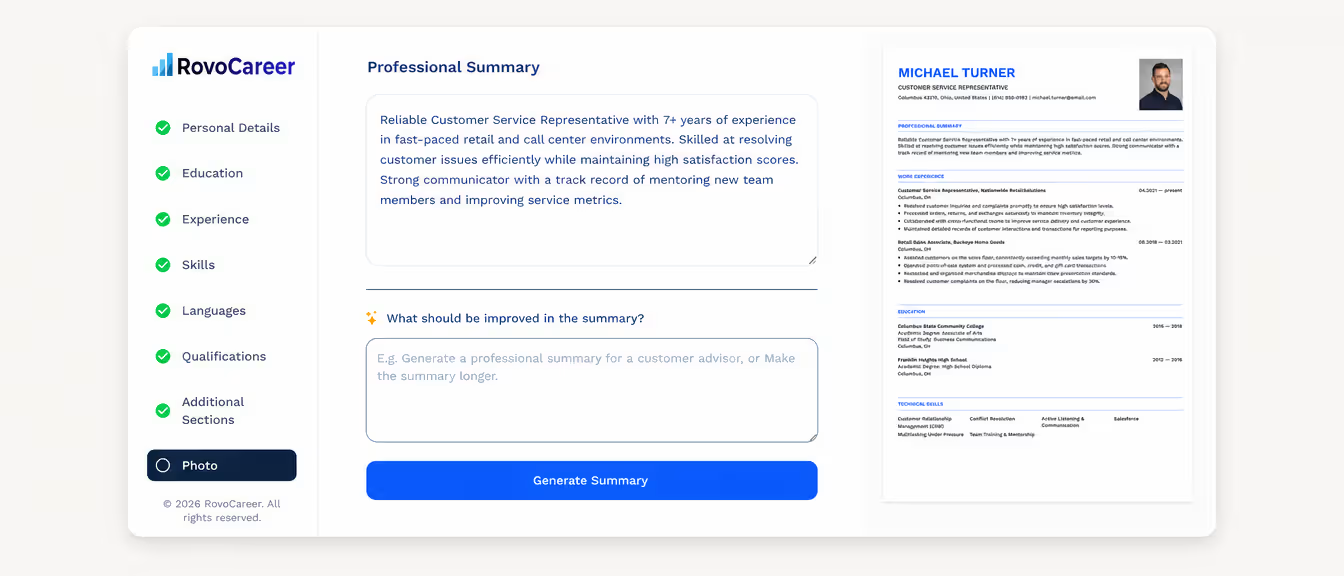
The easiest way to keep both current is to update them together. Every time you add a measurable win to your resume, add the same one to your LinkedIn Experience section in the same week, before the details fade from memory. If your professional summary needs a refresh too, these professional resume summary examples offer wording you can adapt for both your resume and your LinkedIn About section.
If you are updating one document, it is worth updating both at once. Our online resume builder makes it easy to turn the same achievement-based language you just polished on LinkedIn into a clean, ATS-friendly resume, so neither document falls behind the other.
It also helps to think of the two documents as serving slightly different purposes even when the facts match. Your resume is tailored tightly to a single job posting and trimmed to fit one or two pages, while your LinkedIn profile can hold a broader picture of your full career, additional projects, and recommendations that would not fit on paper. Keeping both accurate, current, and mutually consistent is what actually builds trust once a recruiter starts comparing the two.
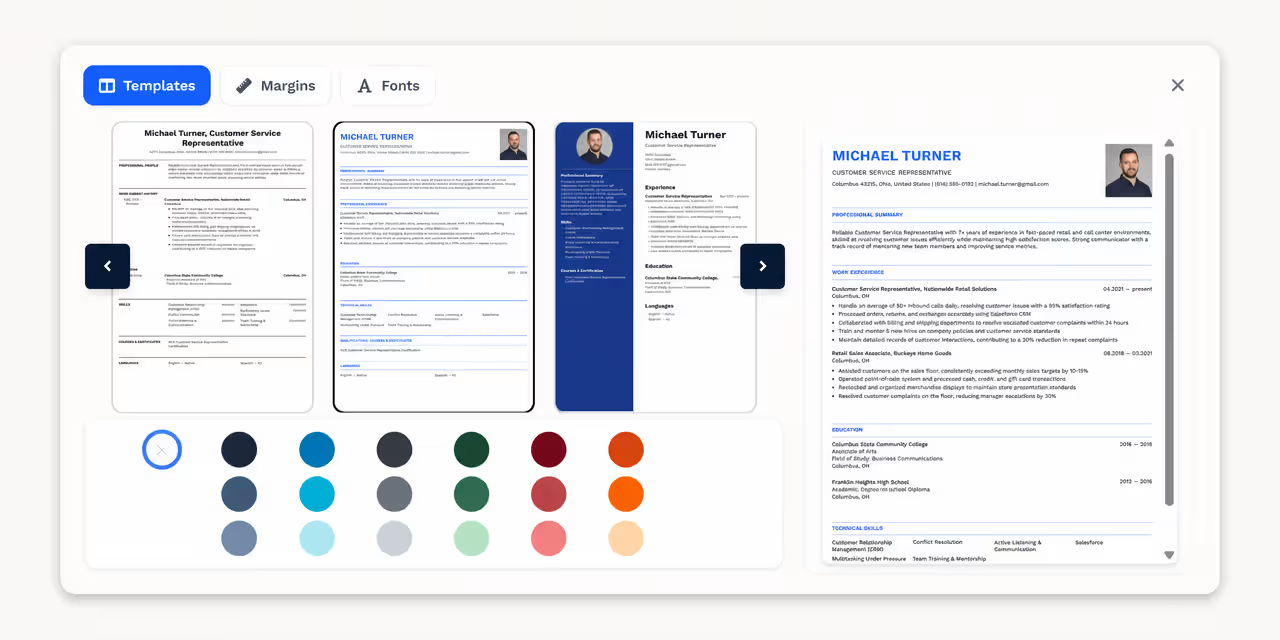
Keep your resume as sharp as your LinkedIn profile with a professional resume template you can fill in in minutes.
Browse resume templates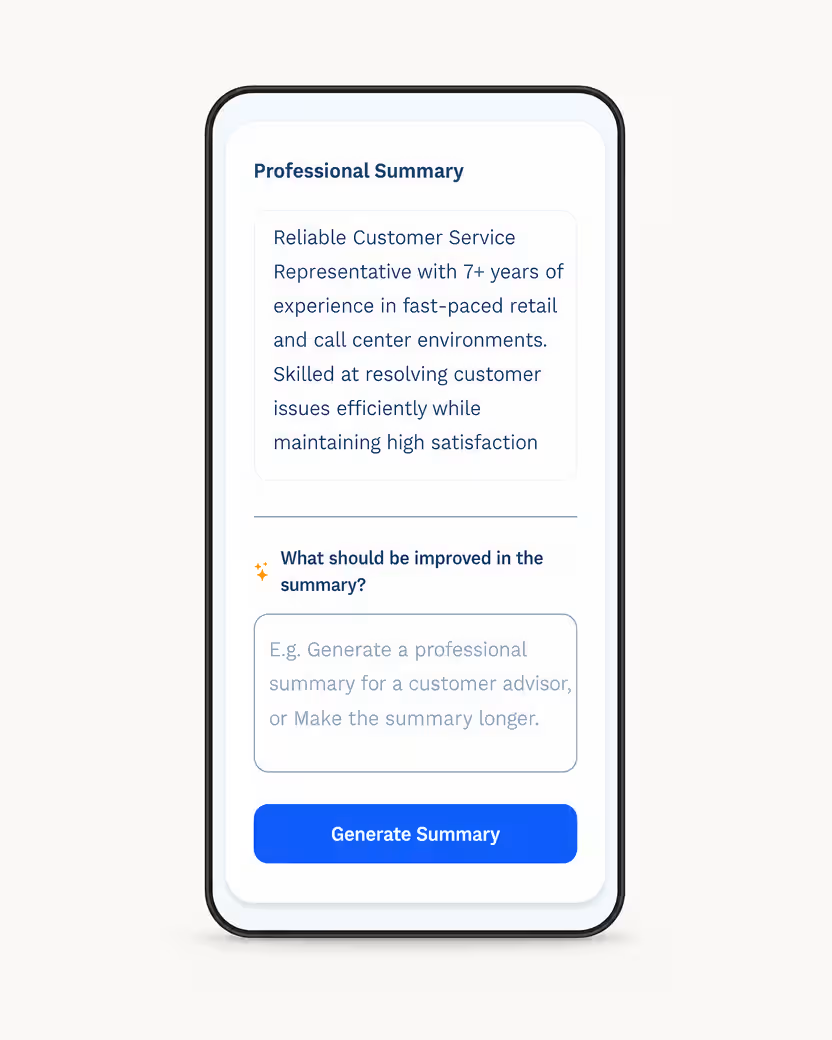
Key Takeaways and Next Steps
None of these updates take long individually, but together they change how often recruiters find you and how seriously they take what they see once they arrive. Set aside 30 minutes this week to work through each section using the examples above, rather than leaving the update for “someday” — a habit that quietly costs most professionals opportunities they never even hear about.
Once your profile is in shape, make sure your resume matches it point for point, since both documents are usually read within the same conversation about you. A little consistency between the two goes a long way toward making you look like exactly the organized, detail-oriented professional you actually are.
Ready to match your new LinkedIn profile with a resume just as strong? Create your resume online in minutes, no formatting required.
Create your resume online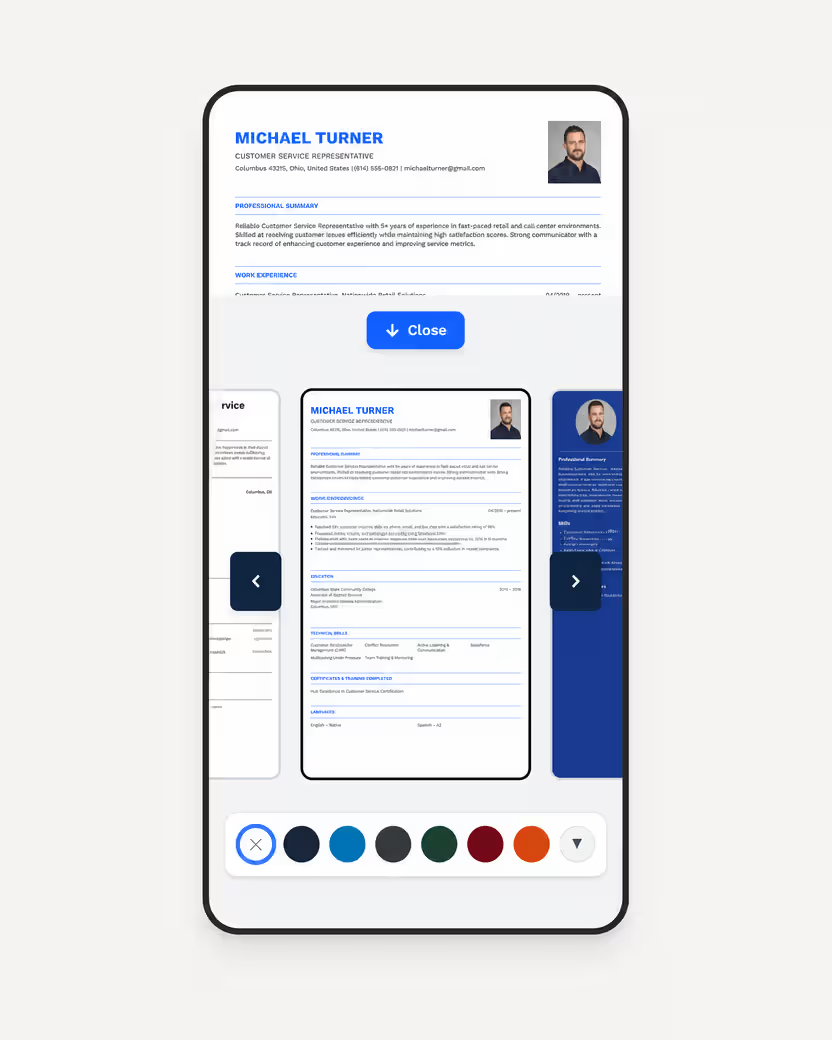
Sources
Frequently Asked Questions
Most effective About sections run three to five short paragraphs, roughly 150 to 300 words in total. Longer sections tend to lose readers before they reach your strongest points, so lead with your best achievement first.
No — a headline that only repeats your job title wastes the most heavily weighted searchable field on your profile. Include your specialty and, where possible, a measurable result so recruiters searching for your exact skills can find you.
Update your headline, About section, and current role every time something meaningful changes, such as a promotion, a new certification, or a significant project. Even without a major change, a light review every few months keeps the profile from feeling abandoned.
Yes — a specific, written recommendation from a former manager carries more weight than endorsements because it is harder to fake and describes a real working relationship. Two or three focused recommendations tend to be more persuasive than a long list of generic ones.
They should tell a consistent story with matching job titles, dates, and key achievements, even if the wording and tone differ slightly. A recruiter who spots a contradiction between the two will trust neither document afterward.
Copying job descriptions from an offer letter into the Experience section instead of listing measurable results. A duty-focused profile blends in with thousands of others, while a results-focused one gives a recruiter a real reason to reach out.
Yes — LinkedIn's own data shows that profiles with a professional photo receive 21 times more views and 9 times more connection requests than those without one. It is one of the highest-impact changes you can make to your profile in a single sitting.
Aim for at least the five most relevant skills for the roles you want, since LinkedIn's search filters rely heavily on this section. Pin your top three to the front of the list, as those are the ones visible without a visitor expanding it.